 Shoopy
 GST applied automatically
CGST, SGST or IGST with HSN codes on every line, across all six GST slabs — 0, 3, 5, 12, 18 and 28%.
The bill prints in seconds with the right tax on it, and the shirt you just sold disappears from the website's count. That is the whole trick, and it is the one most billing software cannot do.
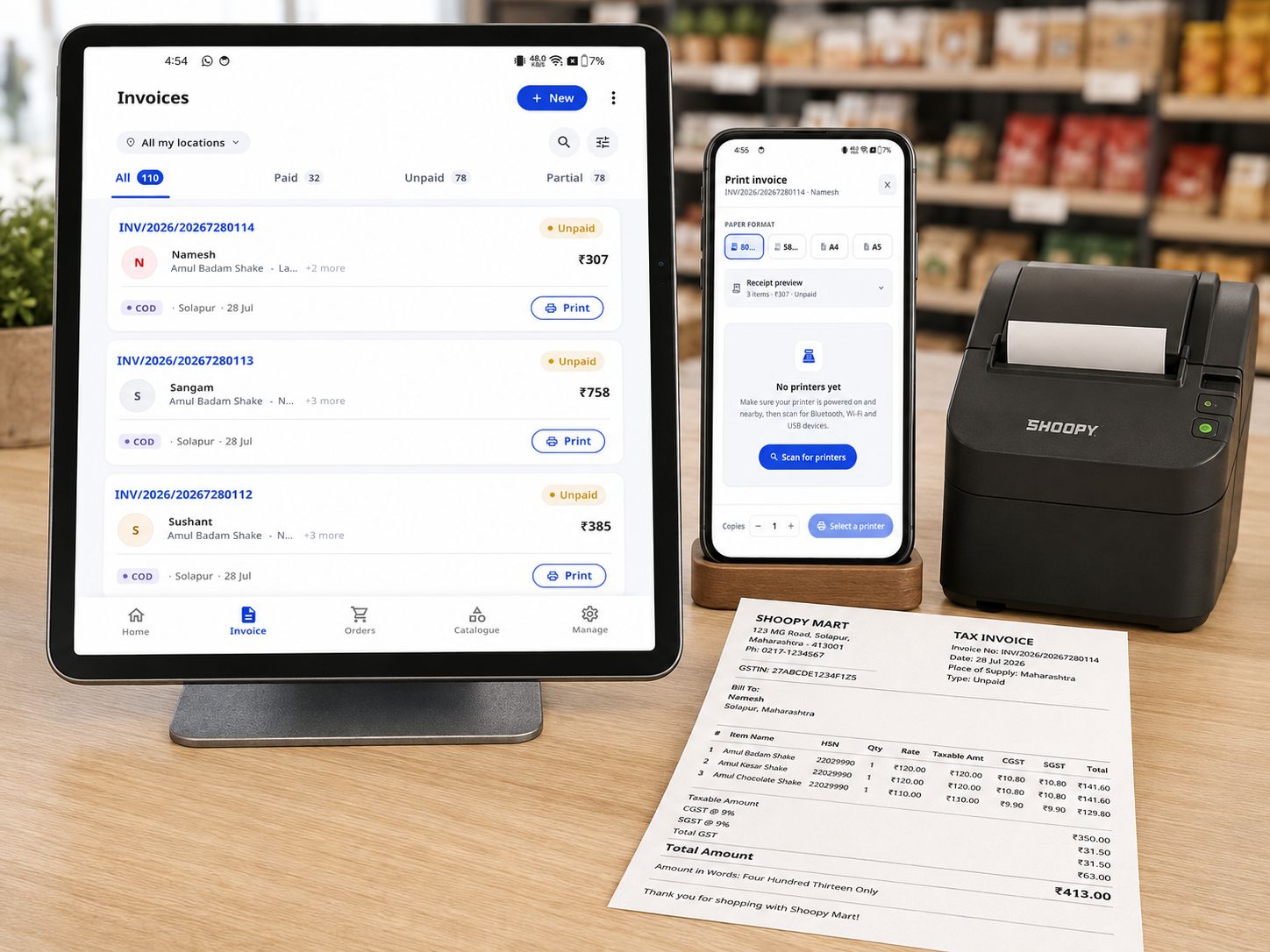
Shoopy counter billing makes a GST invoice at the till — CGST, SGST or IGST and HSN codes applied automatically — and the same sale updates the stock your website and app sell from.
Tax splits, HSN codes and slabs are applied for you — the queue moves, and the paperwork is already done when filing season comes.
CGST, SGST or IGST with HSN codes on every line, across all six GST slabs — 0, 3, 5, 12, 18 and 28%.
58mm and 80mm thermal rolls or an A4 laser — the bill formats itself for the paper.
UPI, card or netbanking through Razorpay or PayU, reconciled against the invoice automatically.
Send the invoice to the customer's phone with the payment link in it — no paper needed.
B2B and B2C summaries exported the way your CA files them.
Refunds and amendments adjust the GST arithmetic for you, and every invoice stays searchable by customer, amount or date.
Billing software counts sales. Shoopy counts stock — the same stock your storefront and app promise to customers online.
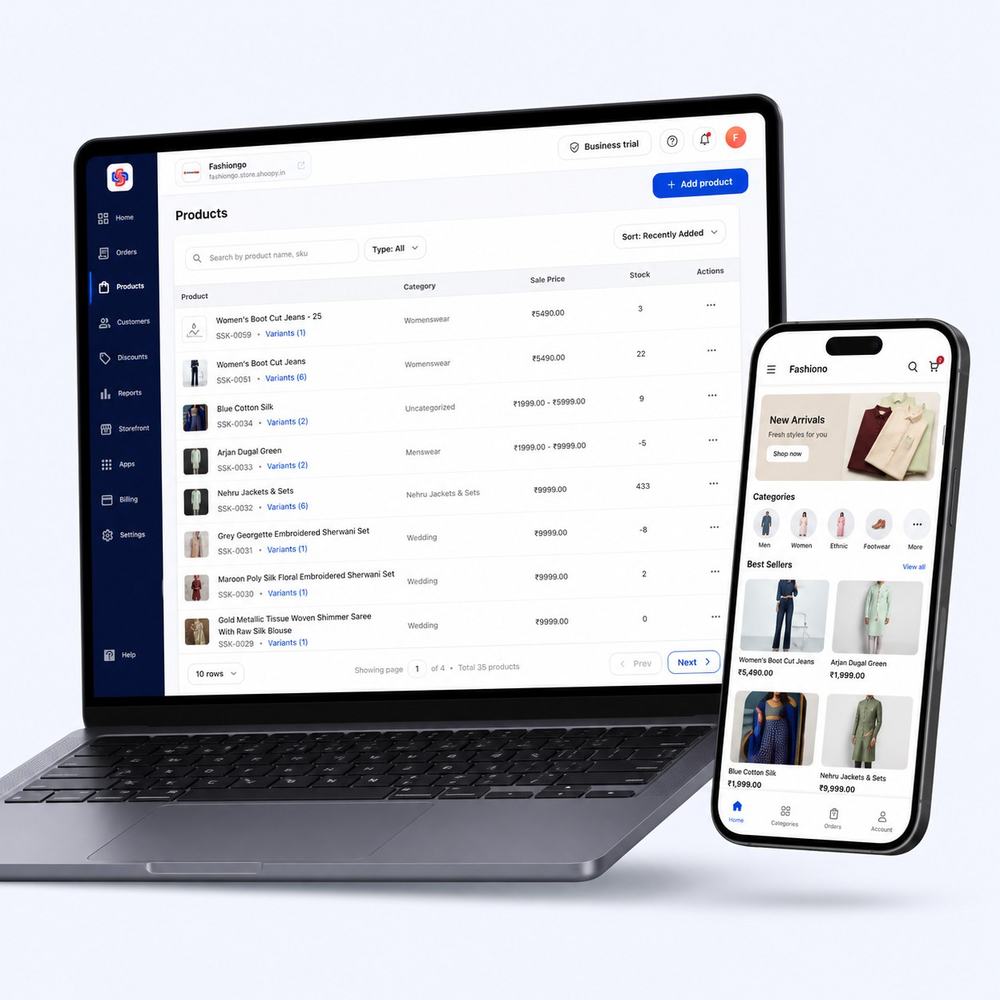 Catalogue · billing · one system
 Pick the items; tax, HSN and totals fill themselves in. Print it or send it to the customer's phone.
Cash at the till, or the link on the bill — UPI, card, netbanking — reconciled to the invoice.
GSTR-1-ready exports for the CA. Credit notes already accounted for.
All the slabs — 0, 3, 5, 12, 18 and 28% — with CGST/SGST or IGST split by place of supply, and HSN codes carried per product.
Yes — 58mm and 80mm thermal formats are built in, alongside A4 for laser printers.
Every invoice can carry a payment link — UPI, card or netbanking through Razorpay or PayU — and the payment is reconciled against that invoice automatically.
Issue a credit note against the invoice; the GST adjustment is calculated for you and shows up correctly in the reports.
Yes. The till and the storefront read one catalogue — bill a shirt in the shop and the website's count drops by one, immediately.
A thirty-minute demo — we will make a GST bill, refund it, and show you where the stock moved.