 Shoopy
 Your domain, your certificate
Connect the domain you own — HTTPS is set up for you, no technical steps.
Your products at YourBrand.com — not a marketplace listing, not a link in bio. UPI, cards and cash on delivery work from day one.
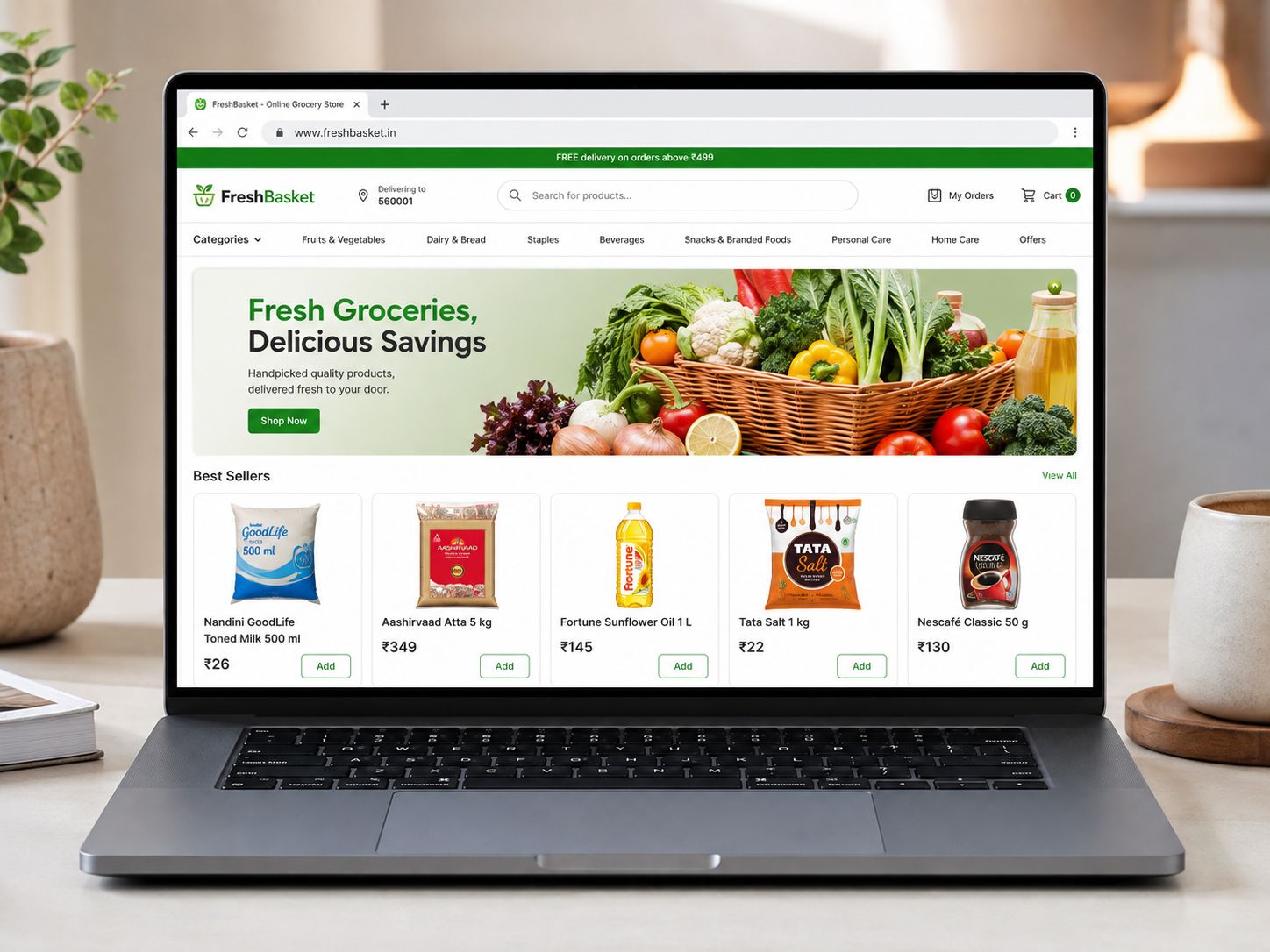
A Shoopy online store is a storefront on your own domain that reads the same products, prices and stock as your counter and your branded app — with Indian payment modes built in.
No plugins to hunt down. Payments, SEO and reviews come ready to use.
Connect the domain you own — HTTPS is set up for you, no technical steps.
UPI, cards, netbanking, wallets and cash on delivery, through gateways like Razorpay, Cashfree and PayU.
Storefront designs built around how your customers buy — fashion, grocery, electronics and more — in your colours and type.
Sitemaps, structured data and editable titles and descriptions — per page and per product — without touching code.
Reviews collected from real buyers after delivery, shown on the product page. Wishlists bring browsers back.
First-order discounts, minimum-cart offers and timed sales — set from the dashboard, no developer in the loop.
 Built on Shoopy
 The storefront is not a second shop to maintain. It reads the catalogue your counter bills from and your app sells from.
Pick a theme for your category and set your logo, colours and type. No code at any point.
One by one, or all at once from a spreadsheet — photos, prices, variants and stock.
Link a payment gateway and a courier, connect your domain, and share the address.
No. You pick a theme, add products and connect a payment method from the dashboard. If you would rather not do even that, store setup by our team is available as a service.
Yes. Connect it from Settings and HTTPS is arranged for you. Your domain stays yours — registered in your name, not ours.
UPI, debit and credit cards, netbanking, wallets and cash on delivery. Online payments run through gateways such as Razorpay, Cashfree and PayU — gateway charges go to the gateway, not to us.
It depends on the plan — from 500 products on Basic up to 1,00,000 on Enterprise. The comparison table on the pricing page has the exact limits.
The store generates sitemaps and structured data automatically, and every page and product has editable titles and descriptions. That is the groundwork search engines need — rankings then depend on your products and content, as they do for every site.
Yes. Products, stock counts, customers and past orders can be imported from a spreadsheet or from your current platform before you open.
A 30-minute call: a live store on screen, and your questions answered. Or start the 14-day free trial and build it yourself — no card needed.