 Shoopy
 Best ecommerce platforms in India to sell from your own website (2026)
Four ecommerce platforms in India for selling from your own website, what each vendor's page says about fees, and how the own website vs marketplace choice works.
Quick Answer: Shopify, WooCommerce, Wix and Shoopy are four ecommerce platforms you can use to sell from your own website in 2026. Unlike a marketplace, your own website keeps each buyer’s details, so choose by who runs the hosting and what each order costs. Shoopy runs the online store on your own domain alongside counter billing, from one catalogue.
Selling from your own website means buyers order on a web address you own, not on a marketplace listing. An ecommerce platform is the software that gives that website a catalogue, a cart, a checkout and an order list. This guide reads each platform from its own page and lists them by the kind of seller, not by rank.
How do Shopify, WooCommerce, Wix and Shoopy compare on fees and payments?
You can sell from your own website on any of the four platforms in this table. The first three rows quote each vendor’s own page, so read those rows before any feature list.
Four platforms side by side
| Platform | Who it is for, fees and payments (from the vendor’s own page) |
|---|---|
| Shopify | As of October 2026, Shopify’s India pricing page lists unlimited web hosting and a 2% charge for third-party payment providers on Basic, which it describes as “for solo entrepreneurs”. |
| WooCommerce | As of October 2026, WooCommerce’s pricing page lists the core platform as free, with no monthly subscription, and says you pick your own payment processor and hosting provider. |
| Wix | As of October 2026, Wix’s plans page lists “Accept payments” on the Core, Business and Business Elite plans but not on Light, and says “prices and currency vary by location”. |
| Shoopy | Shops that bill at a counter and sell online from one catalogue, with the online store on their own domain. Plans and current prices are on the pricing page. |
Three questions that narrow the list
Three questions narrow the choice:
- Who runs the hosting and the updates?
- How does the plan charge for each order?
- Do you also sell from a shop counter?
Vendors update their plans and fees, so reopen each linked page on the day you choose.
How do these platforms charge transaction fees on each order?
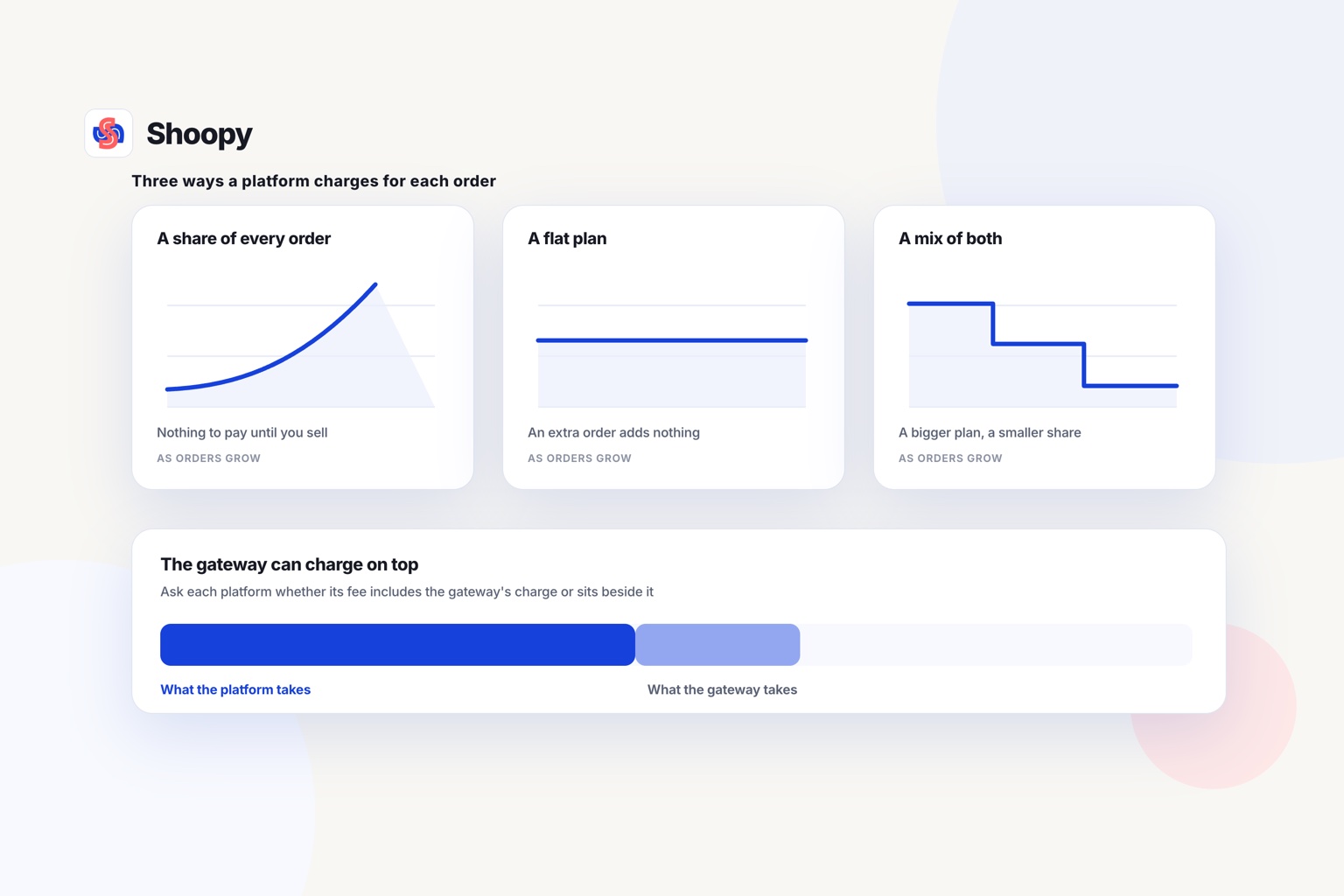
Each order can carry two charges: the platform’s own fee, if its plan has one, and the payment processor’s fee for moving the money.
A transaction fee is a charge on each paid order. It can be a percentage of the order value, a fixed amount, or both.
The platform fee and the processor fee
A payment processor, also called a payment gateway, is the company that moves the buyer’s money to your bank. It charges its own fee on each payment.
On some platforms, the plan adds a second fee when the buyer pays through an outside processor. On others, the platform adds nothing and you pay only the processor. The table above shows where a vendor lists such a fee.
Ask each platform whether its own fee is added to the processor’s charge or already includes it.
Is a hosted platform or self-run software cheaper?
A hosted platform runs the servers, security and updates for you, in return for a plan price. Self-run software is installed on hosting that you rent and look after.
On self-run software, you or your developer install each update and choose each extension. Add the hosting bill and the developer’s hours before you compare it with a plan price. The table shows which vendor leaves the hosting to you.
Compare the fees at your own order count
Take last month’s orders and their average value. Work out what each platform would have charged at that count, then add the processor’s fee.
If the fee is 2%, you give up two orders’ worth of sales on each hundred you take. Before you compare, check whether the plan also sets a limit on orders, products or sales.
Own website vs marketplace: what changes when you sell from your own site?
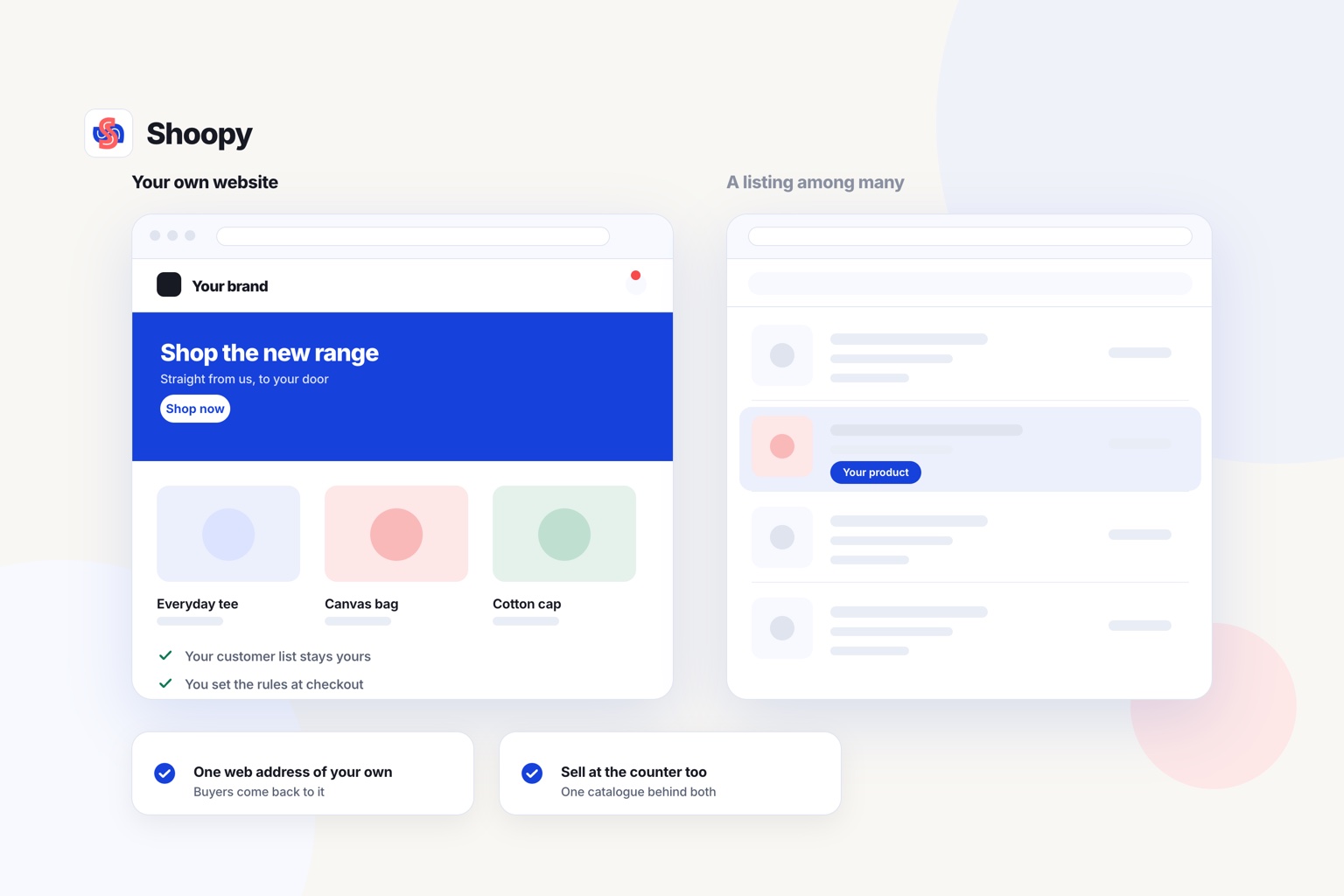
On your own website you keep each buyer’s details and set your own pages, but you bring every buyer yourself.
The own website vs marketplace choice depends on two questions: who keeps the buyer, and who brings the buyer. A marketplace is a website where many sellers list products under the marketplace’s name, checkout and rules. Your own website carries your name, your prices and your return policy.
Who keeps the buyer, you or the marketplace?
On a marketplace, the buyer orders through the marketplace’s checkout. This guide on how to choose a commerce platform puts the ownership test first: on a marketplace you do not get the buyer’s number.
On your own website, the domain, the customer list and the order history stay with you. You can tell regular buyers about new stock yourself.
Who brings the buyer in each case?
A marketplace already has buyers searching on it. Your own website starts with no visitors, so you bring the first ones yourself.
As of October 2026, Google’s guide to getting your website on Google says it can take a few weeks for Google to notice a new site. Until then, send buyers to the address yourself.
Selling in both places
You can keep a marketplace listing for new buyers and use your own website for repeat orders. If you run both, track each product with one code on both channels, so the last unit is not sold twice.
What should you test before your own website opens?
Test five things before you share the address: your domain, payments, delivery charges, your counter and your data export.
- Your domain. Buy the domain in your own name, so the web address stays yours if you change platforms later.
- Payments. Place one test order with each way your buyers pay, UPI and cash on delivery included. Each payment should reach the order list with the right status.
- Delivery charges. Set a charge for each delivery area before you accept orders from far away. One flat charge can cost you more than a distant order earns.
- Your counter. If you also sell from a shop, bill one item and check that the online count drops by one. Counter billing on the same catalogue keeps a single count.
- Your data export. Download your customer list and order history once as a test. If the download works now, you know you can take your data with you later.
Open each page on a phone as well. A buyer who taps your address from a message will see the phone version first.
What goes wrong when sellers move from a marketplace to their own website, and how do you avoid these mistakes?
Four things go wrong: nobody visits, the last unit sells twice, returns are unclear, and payments start late.
Nobody visits. Your marketplace buyers do not know your web address. Add it to the slip inside every parcel, to your shop board and to the bill you give at the counter.
The last unit sells twice. The marketplace and your website both show stock that has already gone. Update both counts after every sale, or keep one or two units off the website until the counts match.
Returns are unclear. On a marketplace, the buyer read the marketplace’s return rules. On your own website, you write those rules, so publish a returns page before the first order arrives.
Payments start late. Your payment gateway checks your business and bank details before your account can take payments. Start that sign-up first, before you add products.
Which platform fits how you sell today?
Match the platform to how you sell today: alone or with a team, with or without a developer, and with or without a counter. The list is sorted by the kind of seller, not by rank.
- You sell alone and want the hosting handled for you. Read Shopify’s row and its fee line before you compare plans.
- You have a developer and want to choose every part yourself. Start from WooCommerce’s row and read its hosting line.
- Your website already runs on Wix. Read Wix’s row to see which plans accept payments.
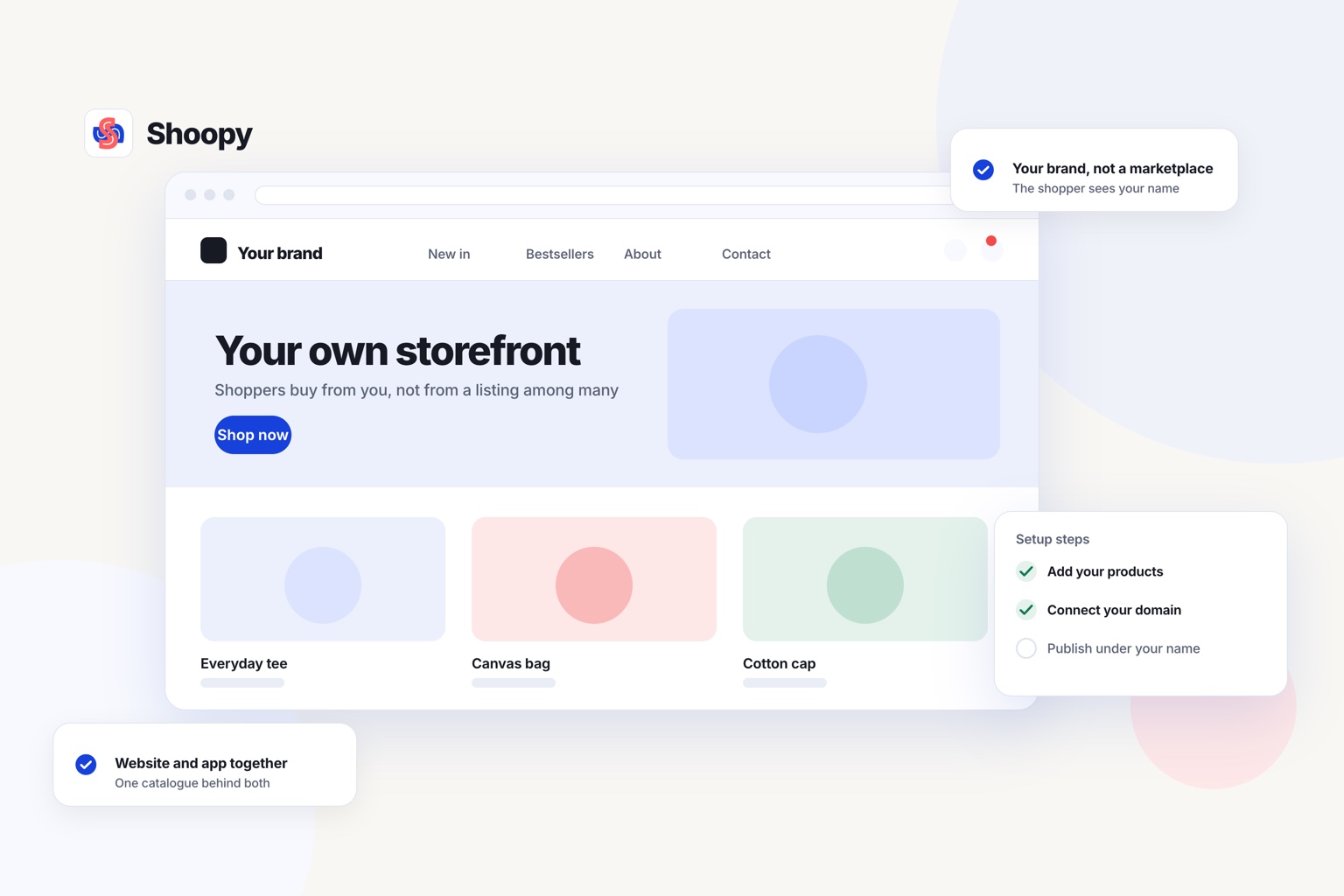
- You run a shop and also sell online. Shoopy puts counter billing and the online store on one catalogue, so a sale in either place changes one stock count.
There is one limit to state plainly. The WooCommerce comparison page says Shoopy does not give full code access to its store designs. If every page of your website needs custom code, self-run software with your own developer fits better.
If you bill at a counter and want the same catalogue on your own domain, see how the online store works.
Frequently asked questions
What is the difference between a website and an online store?
A website shows information about your business, such as your products, address and phone number. An online store adds a catalogue with prices and stock, a cart, a checkout that takes payment, and an order list. Every online store is a website, but a website needs these 4 parts before it can take orders.
Should a new seller start on a marketplace or on their own website?
It depends on whether people already know your brand. If you have a shop, regular customers, or followers on Instagram or WhatsApp, start on your own website: you can send those people straight to it, and each order adds a name to a customer list you own. If nobody knows the brand yet, the first orders usually come more easily on a marketplace.
Can I sell from my own website without buying a domain name?
Yes, on some platforms. They give you a starter URL (web address) under their own domain, such as yourname.example.com. Buyers can order there, but the address carries the platform’s name. An address in your own name is also easier for buyers to remember once you print it on parcels and bills.
What is a third-party transaction fee?
It is a fee some hosted platforms charge when a buyer pays through an outside payment provider instead of the platform’s own one. It is added to the provider’s processing fee, so a 2% charge takes another 2% of every order’s value on top of what the provider already takes. Check the fee line on the plan you choose.
Can I copy my product listings from a marketplace to my own website?
Yes, if the marketplace lets you download them. Look in the seller dashboard for an export as a CSV file, a spreadsheet you can open and edit. Check that your new platform accepts CSV files. After you load the file, check each product’s price, photos and stock count, because a column can be matched to the wrong field.