 Shoopy
 Best Dukaan alternatives in India (2026)
Four Dukaan alternatives in India, sorted by the kind of seller each suits, with how each charges per order and what happens to your products, pages and domain.
Quick Answer: Four Dukaan alternatives in India in 2026 are Shopify, Zoho Commerce, Instamojo and Shoopy, and each suits a different seller. They differ most in how they charge for each order, from a percentage of every sale to no order fee at all. Shoopy puts the counter, the online store and a branded app on one catalogue, so a counter sale updates online stock.
A Dukaan alternative is another platform that builds and runs your online store. This guide compares four of them by how they charge for each order and the kind of business they suit. They are sorted by the kind of business, not by rank.
Which platforms are Dukaan alternatives in India?
The table compares Dukaan with four store builders that Indian sellers weigh against it: Shopify, Zoho Commerce, Instamojo and Shoopy. Each starts from a different idea of who the seller is, so read the “built for” column first.
| Platform | Built for | How it charges per order |
|---|---|---|
| Dukaan | Sellers who want a quick start on a store app | As of October 2026, Dukaan’s pricing page lists a service fee on sales of 4.99%, 3.99%, 1.99% or 0.99%, depending on the plan. Dukaan’s page says the fee does not apply to manual orders and has a cap on each order |
| Shopify | Brands that plan to grow across sales channels | As of October 2026, Shopify’s India pricing page lists a fee of 2% on Basic, 1% on Grow and 0.6% on Advanced on each order paid through a third-party payment provider |
| Zoho Commerce | Businesses that want a flat plan with no order fee | As of October 2026, the Zoho Commerce pricing page says it charges no transaction fee on any of its paid plans |
| Instamojo | Small sellers starting without a yearly plan | As of October 2026, Instamojo’s online store page lists a Lite plan with no yearly fee, and 5% plus a small fixed fee and GST on each transaction |
| Shoopy | Shops that bill at a counter and sell online | Plans and current prices are on the pricing page |
How does your order count change the comparison?
Read each row with your own order count in mind. The same plan can look cheap at 20 orders a month and expensive at 500.
Shopify: read its fee line in the table before you compare it with a flat plan.
Zoho Commerce: check what each paid plan includes before you choose one. A flat plan is easier to budget when your orders grow.
Instamojo: check what each paid plan adds before your order count grows.
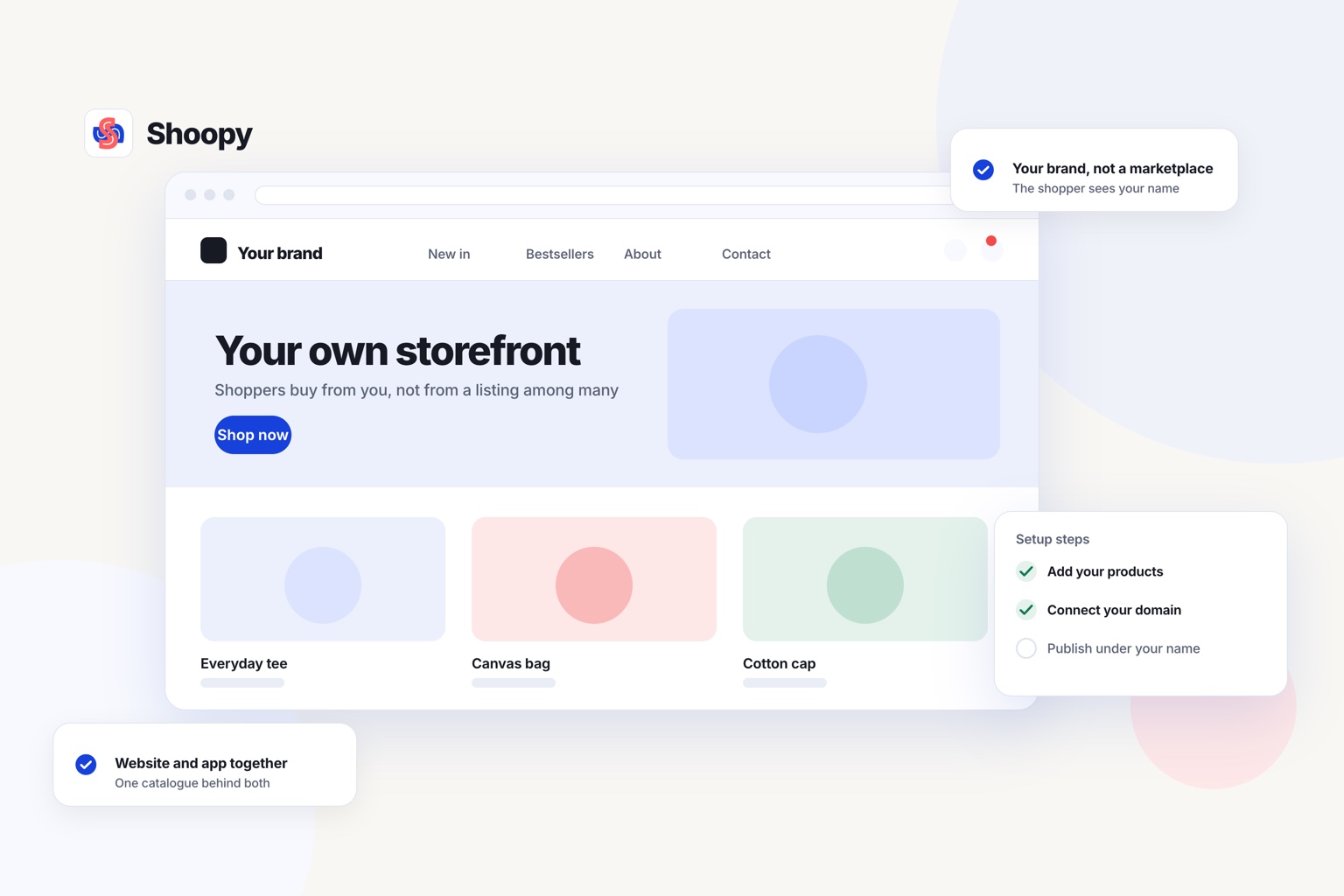
For a shop with a counter: the online store runs on your own domain and reads the same catalogue as your counter billing. A sale at either place updates one stock count. The store takes UPI (Unified Payments Interface) and cash on delivery, and it can import your products and stock counts from a spreadsheet.
How do Dukaan and its alternatives charge for each order?
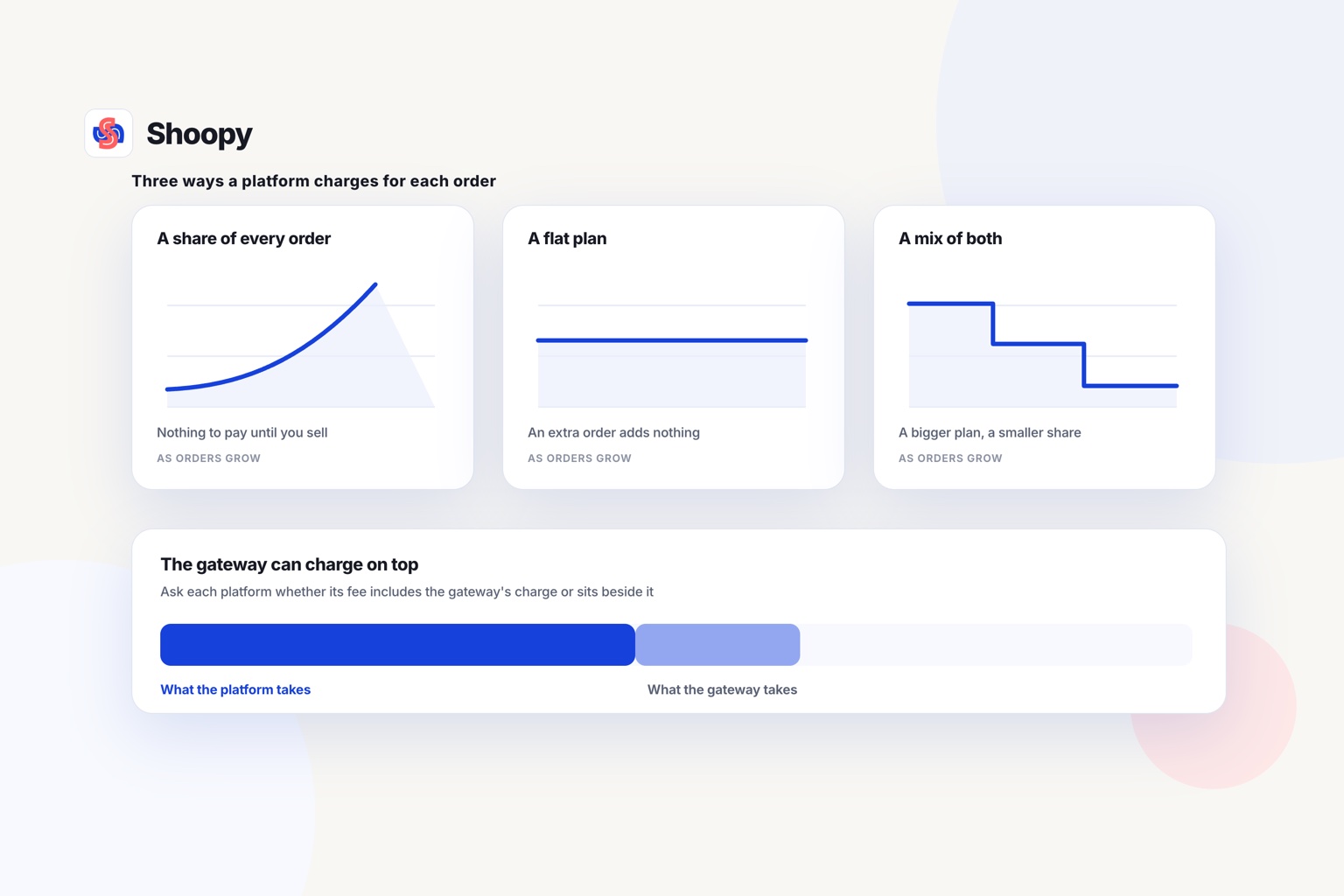
They charge in one of three ways: a percentage of every order, a flat plan with no order fee, or a mix of both. The table above shows each platform’s order fee where it publishes one.
A percentage fee is easy to start with. You pay nothing when nothing sells.
But the fee grows with every order. At 2%, every 100 orders cost you the value of two orders. At 4.99%, it is almost five.
A flat plan works the other way. You pay for the plan whether you sell or not. An extra order adds no platform fee, so a flat plan suits a store with steady orders.
The table shows where a higher plan lowers the percentage. Work out the order count at which the lower fee on the next plan saves more than the higher plan adds to your bill.
On some platforms the payment gateway (the company that moves the money, such as Razorpay or PayU) charges its own fee on top of the platform’s fee. On others, the per-order fee already includes the payment charge. Ask which applies before you compare two platforms.
What should you check before you move your store?
Check five things before you move. They are your real order volume, your buyers’ payment modes, your counter, your domain and customer list, and your old links.
- Your real order volume. Take last month’s orders and their average value. Work out what each platform would have charged you at that volume. Add the gateway fee where the platform charges it separately.
- Your buyers’ payment modes. Check that cash on delivery and UPI both work at checkout from the first day. Place a test order with each before you announce the move.
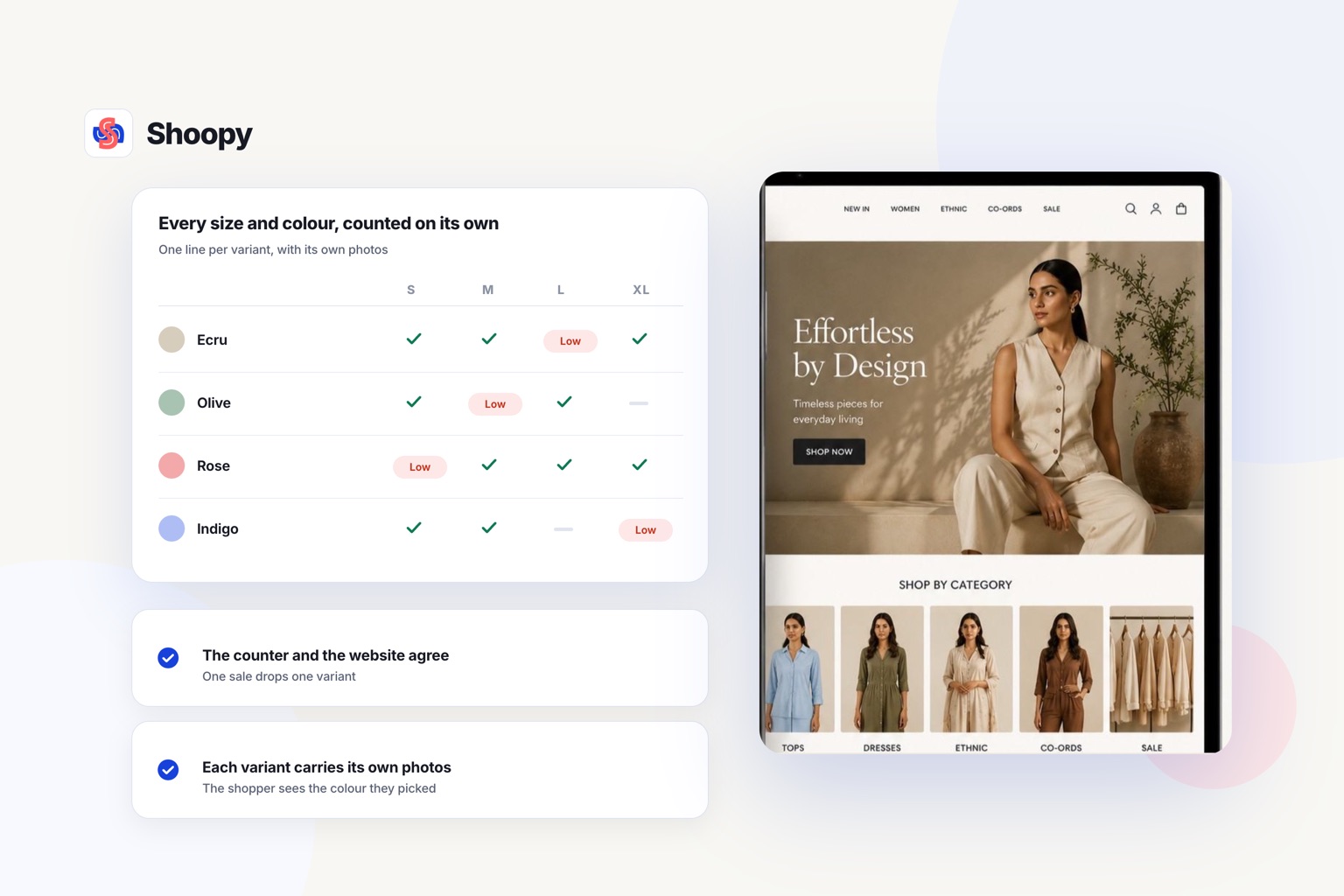
- Your counter. If you also sell from a shop, a separate billing app means two stock counts. Bill a shirt at the counter and the online count should drop by one. Counter billing that reads the same catalogue as the store keeps one count.
- Your domain and your customer list. Your domain should be registered in your name, not the platform’s. Your customer list should be yours to export. Ask how you would leave the new platform before you join it.
- Your old links. Buyers and search engines have saved your old product addresses. Each old address needs a redirect (an instruction that sends the visitor to the new page). Without one, the old address shows an error page.
What goes wrong when sellers switch, and how do you stop it?
Three things go wrong most often: bad timing, slow payment setup and buyers who never hear about the move. Each one has a simple fix.
The first problem is timing. Sellers move in the middle of a sale and lose orders while settings are half done. Move in a quiet week, and keep the old store open until the new one takes its first real orders. Those first orders come in on the temporary address the new platform gives you, before your domain points at it, so you can test checkout for real while the old store still sells.
The second problem is payments. A new payment gateway account needs its own business checks before it can receive payments. Start that paperwork first, not last.
The third problem is silence. Repeat buyers do not know you have moved. Tell them on WhatsApp, on a banner on your old store and on the bill you hand over at the counter.
Which alternative fits which kind of business?
The right one depends on five needs: growth across channels, a flat cost, selling on WhatsApp or Instagram, a low-volume test, or a shop with a counter. Match it to the business you run today and the one you expect in a year.
- You plan to sell across many sales channels. Look at Shopify, and read its fee steps in the table.
- You want one predictable cost as orders grow. Look at a flat plan with no order fee. The table shows which platform charges none.
- You take most orders on WhatsApp or Instagram. Look for a store that gives you one link to share and sends cart reminders on WhatsApp.
- You are testing an idea with a few orders a month. A plan with no yearly fee can cost less while orders are few.
- You run a shop and sell online too. Shoopy puts the counter, the online store and a branded app on one catalogue. It adds delivery zones and a rider app for your own deliveries.
One boundary is worth stating plainly. A percentage fee on a handful of orders can cost less than a yearly plan. If you have a small catalogue and very few orders, Dukaan may still suit you better for now.
If you are still deciding what matters most, this guide on how to choose a commerce platform walks through the questions in order.
The Dukaan comparison page lets you book a demo on your own catalogue.
Frequently asked questions
What should you do with your old product reviews?
Ask whether they can be exported, and in what format, before you move. Reviews are the part sellers forget, and most platforms hold them in their own store rather than in the product export. If they cannot come with you, keep a copy of the best ones and start collecting again from day one.
Will my old product links stop working after I move?
They will, unless you add redirects. A 301 redirect tells browsers and search engines that a page has moved permanently, and Google then shows the new address in its search results. Map every old product and category address to its new page before you switch.
Is a per-order fee or a yearly plan cheaper for a new store?
A per-order fee is usually cheaper while orders are few, because you pay only when you sell. Once orders are steady, a yearly plan usually costs less. Compare the two at your real volume: a fee of 2% on 1,000 orders a year costs the value of 20 orders.
Can I take my customer list and order history with me?
Ask before you join. Check whether you can download customers and orders as a CSV file, a spreadsheet format that most platforms can read. Saved passwords usually do not move, because platforms store them in a form no one can read. Buyers may need to reset them on the new store.
Who tells your regular buyers that the store has moved?
You do, before the change rather than after. Send one message on the channel they already use, say the address is changing, and say that their account and order history move with them. A buyer who finds a broken link first will assume the shop has closed.