 Shoopy
 What to know before launching a shopping app
Publishing, catalogue sync, engagement and operational readiness — the four things to settle before your store gets its own app.
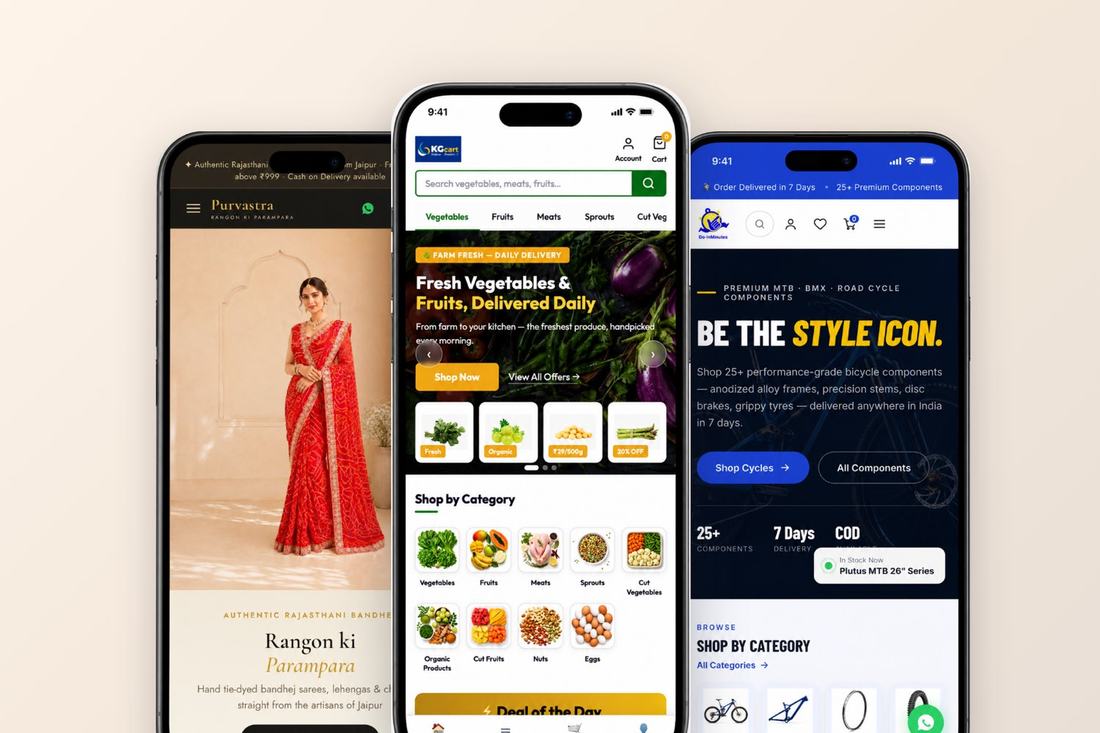
A store’s own app is a retention tool, not a status symbol. The customers who install it are the regulars — and for them, the reorder becomes one tap and your push notification lands where a marketing SMS never will. But an app is also a second storefront to keep alive. Four things decide whether it earns its place.
Publishing: whose name is on the listing?
“Your own app” should mean your brand on the Play Store and App Store listing, your icon on the customer’s home screen — not your store as a tab inside somebody else’s super-app. Check who owns the developer account, what the review process needs from you (business details, privacy policy), and which platforms your plan actually includes. Android and iOS are often separate line items; read the plan table, not the headline.
Catalogue sync: one catalogue or two?
The worst version of an app is a copy of your store that drifts. If products, prices and stock are maintained separately for the app, every price change becomes two edits and every miss becomes an angry customer. The app should read the same catalogue as the website and the counter — add a product once, and it is everywhere; sell the last unit anywhere, and it is nowhere.
Engagement: what will you actually send?
Push notifications are the reason the app exists — restocks, order updates, a flash sale for the weekend. They cost nothing per message, which is exactly why restraint matters: every notification spends attention, and uninstalling is one long-press away. Decide the cadence before launch. A useful test: would a regular customer want this on their lock screen?
Operational readiness: who answers the app?
An app raises expectations. Orders arrive at 11pm; customers watch the order status move; a review left in the app expects a reply. None of this is hard, but it should be somebody’s job — the same order queue and the same phone your store already runs on, not a separate inbox nobody checks.
If those four are settled, the launch itself is the easy part. On Shoopy, your own app reads the same catalogue as your online store and the counter, orders land in the same queue, and the plan table states which tiers include Android and iOS — so the checklist above is mostly already done.