 Shoopy
 Home delivery platforms for grocery stores in India (2026)
Grocery home delivery software compared: four platforms a grocery shop can use, read from each vendor's own page, and what the software must do for every order.
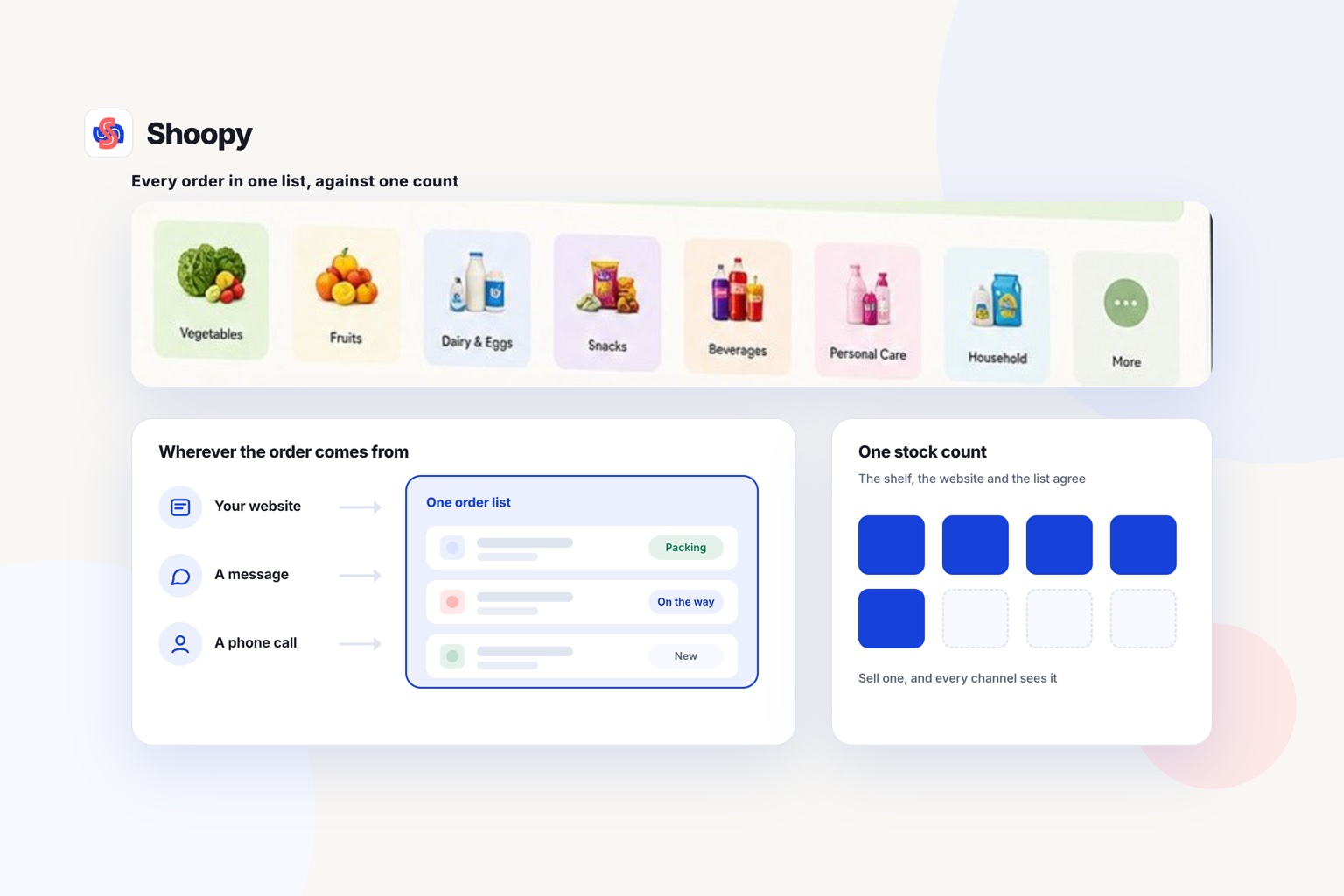
Quick Answer: Shopify, Dukaan, Ecwid and Shoopy are four platforms a grocery shop can use for home delivery orders. Pick the one that keeps every order, from the website, WhatsApp or the phone, in one list against one stock count. Shoopy does that for website, WhatsApp and counter orders, with a separate stock count for each shop.
Grocery home delivery software is the online store and order tools a grocery shop uses to take orders and deliver them to nearby homes. This guide compares four options, each read from the vendor’s own page. The rows are in no order of rank.
Which platforms can a grocery shop use for home delivery orders?
Shopify, Dukaan, Ecwid and Shoopy are four platforms a grocery shop can use for home delivery orders. Each row quotes the vendor’s own page, so read the whole row before you compare.
| Platform | What its own page says about home delivery orders |
|---|---|
| Shopify | As of October 2026, Shopify’s grocery page lists local delivery without relying on logistics companies, pickup from your shop paid in advance, and stock tracked across several shops |
| Dukaan | As of October 2026, Dukaan’s pricing page lists distance-based delivery on higher plans, and a service fee on sales of 4.99%, 3.99%, 1.99% or 0.99% by plan. Dukaan’s page says the fee does not apply to manual orders and has a cap on each order |
| Ecwid | As of October 2026, Ecwid’s pricing page lists local delivery at a date and time the customer picks, and no setup or transaction fees on any plan |
| Shoopy | Delivery zones that each carry their own charge, and delivery slots, for shops that deliver with their own riders. Plans and current prices are on the pricing page |
Read each row for your own shop
A row tells you what a platform offers. It does not tell you how the platform handles your busiest evening.
Ask each vendor of grocery delivery software for a demo with your own catalogue and last week’s orders. Then work out each platform’s charges at your real order count from its own pricing page, and add any payment gateway charge on top.
What should grocery home delivery software do with each order?
It should record the order, check the stock, collect the payment and give the customer a delivery time. Each of the four jobs is below.
Does every order land in one list?
Grocery orders arrive through the website, an app, a phone call or a chat message. If each one sits in a different place, staff miss some at the busy hour. Keep every order in one list, with its status and the customer’s address.
Does the stock count match the shelf?
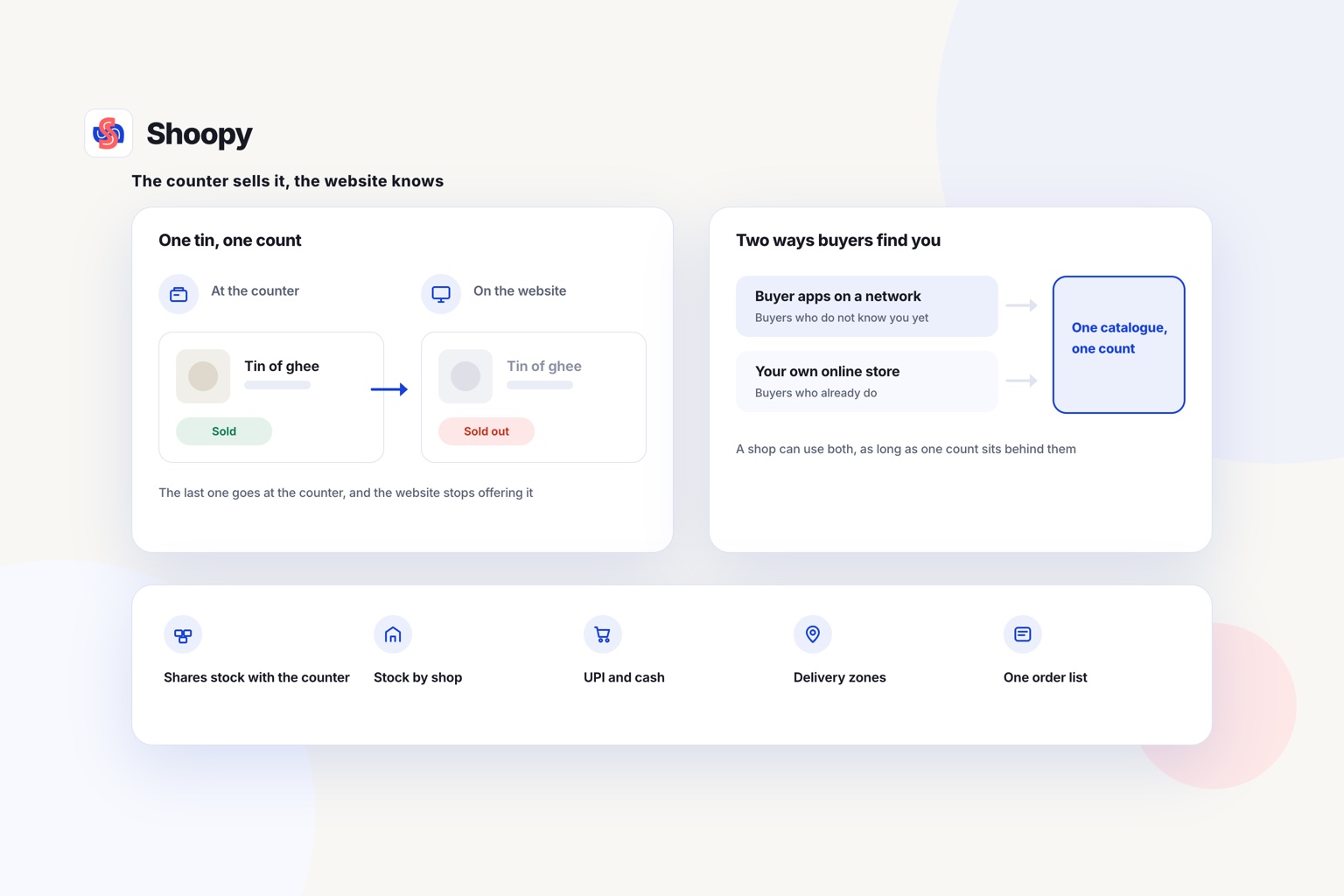
A grocery shop sells milk, bread and eggs at the counter all day. The website must show when the last packet is sold. When the counter sells the last loaf of bread, the website should show it as sold out at once.
If you run more than one shop, count stock for each shop separately. A customer should only see what the shop that serves them can pack.
Can the customer pay online or at the door?
Offer two ways to pay. The customer pays online at checkout, or chooses cash on delivery (COD), where the rider collects the money at the door.
For a large basket, a shop can ask for part of the amount in advance on a COD order. The rest is collected at the door.
Can the customer see a delivery time?
A customer who orders dinner ingredients needs to know when they will arrive. Show a delivery time, or a choice of time windows, at checkout, and keep to it.
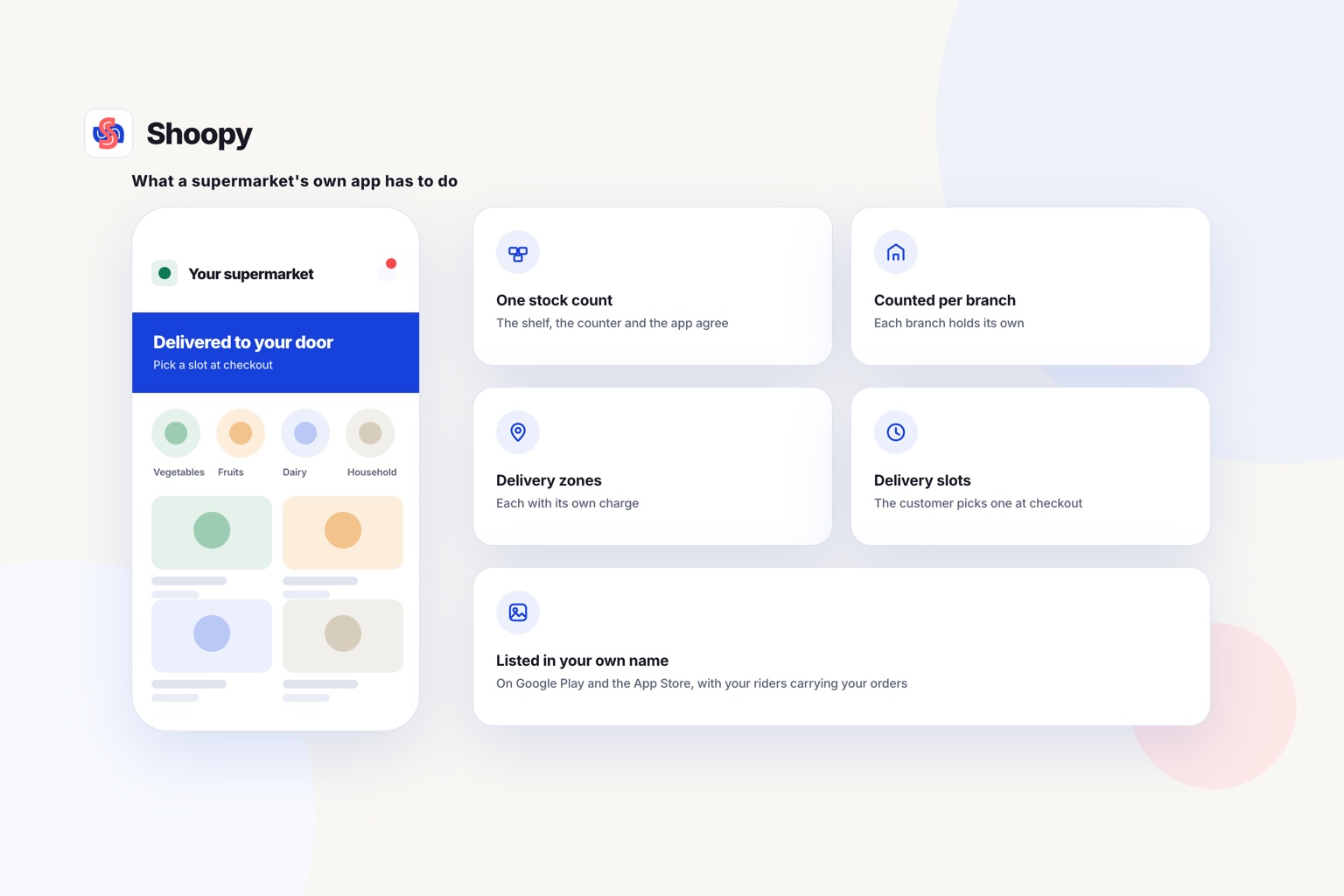
On a grocery store built for delivery, each zone you serve carries its own charge. Customers pick a delivery slot, and your riders get each order through a rider app.
Can a grocery shop take home delivery orders on WhatsApp?
Yes, but each WhatsApp order must still reach your order list and your stock count. A chat on its own is not a record.
As of October 2026, Meta’s WhatsApp Business app page says the app helps a small business showcase its products, set prices and share items with customers.
The trouble starts after the chat. Someone types each order into a notebook at night, and the website’s stock count does not change. The website can then sell a packet that the chat already promised.
A simpler way is to reply with a link to the product in your own online store. The customer sees the current price and stock, and the order lands in the same list as every other order.
Phone orders follow the same rule. Type each one into the order list while the customer is still on the call, so the stock count drops at once. This guide on taking WhatsApp orders without the chaos sets out the change step by step.
What happens between the order and the doorstep?
Four steps follow every home delivery order: pick, pack, send and collect. Give each step one person in the shop who is responsible for it.
- Pick. Staff collect each item from the shelves using a pick list, the items in the order sorted by aisle.
- Pack. Put heavy items such as rice and oil at the bottom. Pack cold and frozen items last, in a separate bag.
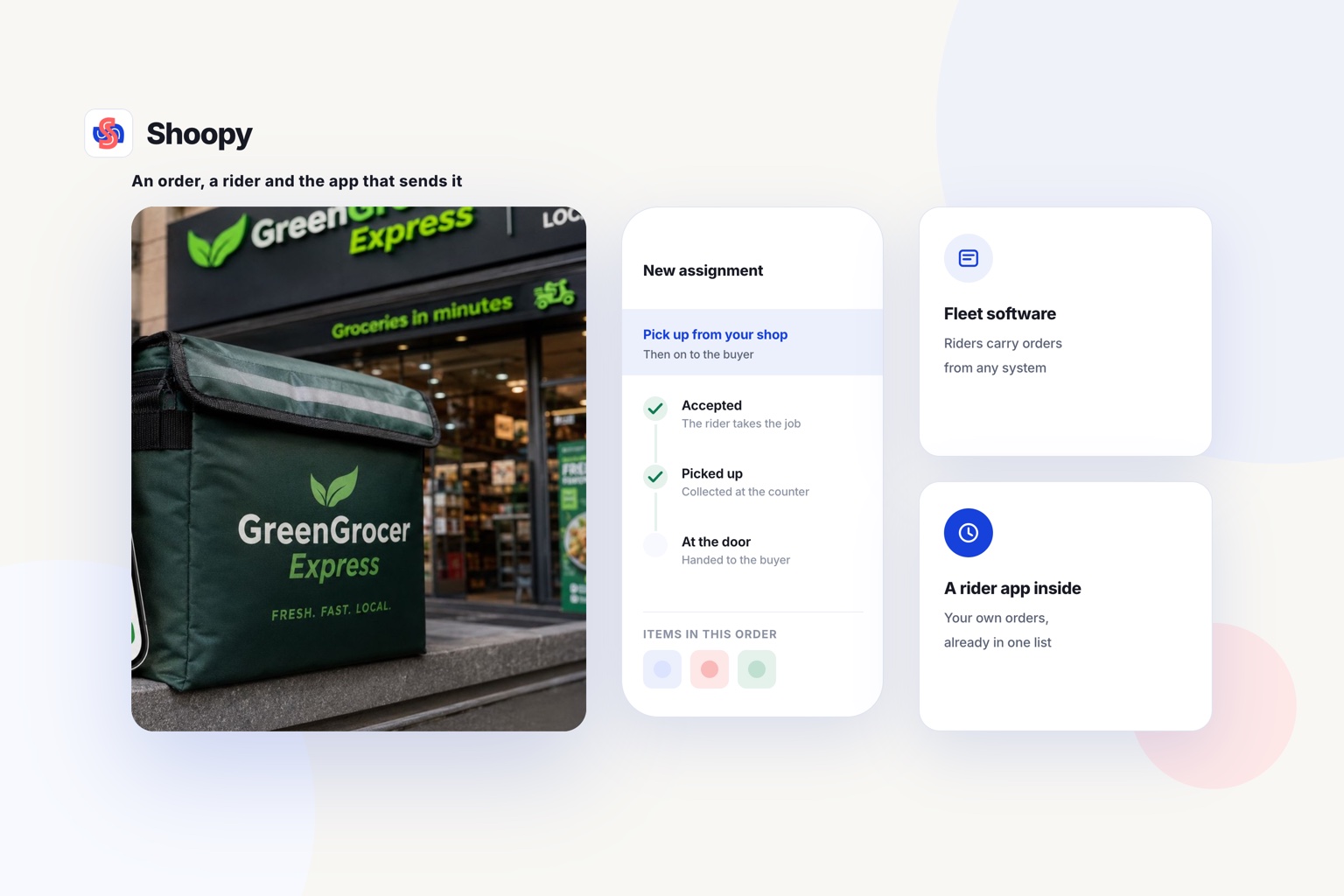
- Send. Give the rider the bag, the bill and the address together. With your own riders, a rider app shows each rider the next order.
- Collect. For COD orders, the rider brings the cash back. Someone checks it against the bills the same evening.
Print the bill before the bag is sealed. The customer can then check the bag against the bill at the door.
What goes wrong when a grocery shop takes home delivery orders, and how do you stop it?
Four problems are worth planning for: lost phone orders, late-night orders, sold-out fresh items and customers who are not at home. Each one has a plain fix.
A phone order is never written down
A customer calls, staff are busy, and the order is forgotten. Type every phone order into the order list during the call. Read the items back to the customer before you hang up.
Orders arrive after the shop closes
A customer orders at midnight and expects the bag by breakfast. Set ordering hours, or show the next delivery time at checkout. The customer then knows the delivery time before paying.
A fresh item sells out before packing
The last packet of milk sells at the counter between the order and the packing. Keep one stock count for the counter and the website. If an item still runs out, call the customer before the bag leaves.
Nobody is at home
The rider reaches the door and nobody answers. Ask for a phone number at checkout, and have the rider call before reaching the door. Decide in advance whether the bag waits or comes back to the shop.
How do you choose between these platforms?
Choose grocery home delivery software by how your shop takes orders today and how it delivers them. The list below matches each need to the table, not by rank.
- You want pickup from the shop as well as delivery. The table shows which rows list both.
- You want no fee on each sale. The table shows which row says so. Check what each plan adds before you choose one.
- You type many phone orders in by hand. Check how each fee line treats an order entered by hand.
- You bill at a counter and deliver with your own riders. Look for counter billing, an online store and delivery tools on one catalogue.
Shoopy suits a grocery shop that has a counter and delivers nearby. One catalogue feeds the counter, the online store and your branded app, with a separate stock count for each shop. Customers pay online through Razorpay or PayU at checkout, or by cash on delivery, and, depending on your plan, you can ask for an advance on COD orders.
Where a platform of your own stops
A grocery delivery platform of your own does not bring you new buyers. If you mainly need customers who do not yet know your shop, a delivery marketplace fits that need better.
You can keep selling on the quick-commerce apps alongside your own store, as the grocery page says.
To see website, app and counter orders in one list against one stock count, read how orders and inventory work, and book a demo from that page.
Frequently asked questions
What is a manual order in an online store?
A manual order is an order that staff type into the system by hand, such as one taken on a phone call or in a WhatsApp chat. It needs the same 3 details as a website order: the items, the address and the way the customer will pay. It should reduce the stock count and join the same order list.
What is a pick list in a grocery shop?
A pick list is the list of items in one order, sorted in the order staff walk the aisles. Staff tick each item as it goes into the bag. For an order of 30 items, a sorted list saves walking back and forth, and it helps staff miss fewer items.
Should I take grocery orders 24 hours a day?
Yes, if the checkout shows when the order will arrive. An order placed at 11 pm can be delivered the next morning, as long as the customer sees that time before paying. If you cannot pack overnight orders early, close ordering after your last delivery time of the day.
What should a rider do when the customer is not at home?
The rider should call the phone number on the order and send a WhatsApp message before leaving. If nobody answers, follow a written rule with 3 choices: wait a set time, leave the bag with someone the customer named, or bring it back. Cold items such as milk and ice cream go back into the shop’s fridge.
What is hyperlocal delivery?
Hyperlocal delivery means delivering orders from a shop to customers in a small area around it, for example, the streets a rider can reach in a short trip. It suits shops that sell daily needs, such as groceries and medicines. The shop’s own riders or a delivery partner carry the orders and collect cash on delivery (COD) where chosen.