 Shoopy
 Delivery management software in India for your own delivery riders (2026)
Four delivery management software options for a shop with its own riders, sorted by the kind of business each suits, and what to set up before riders start.
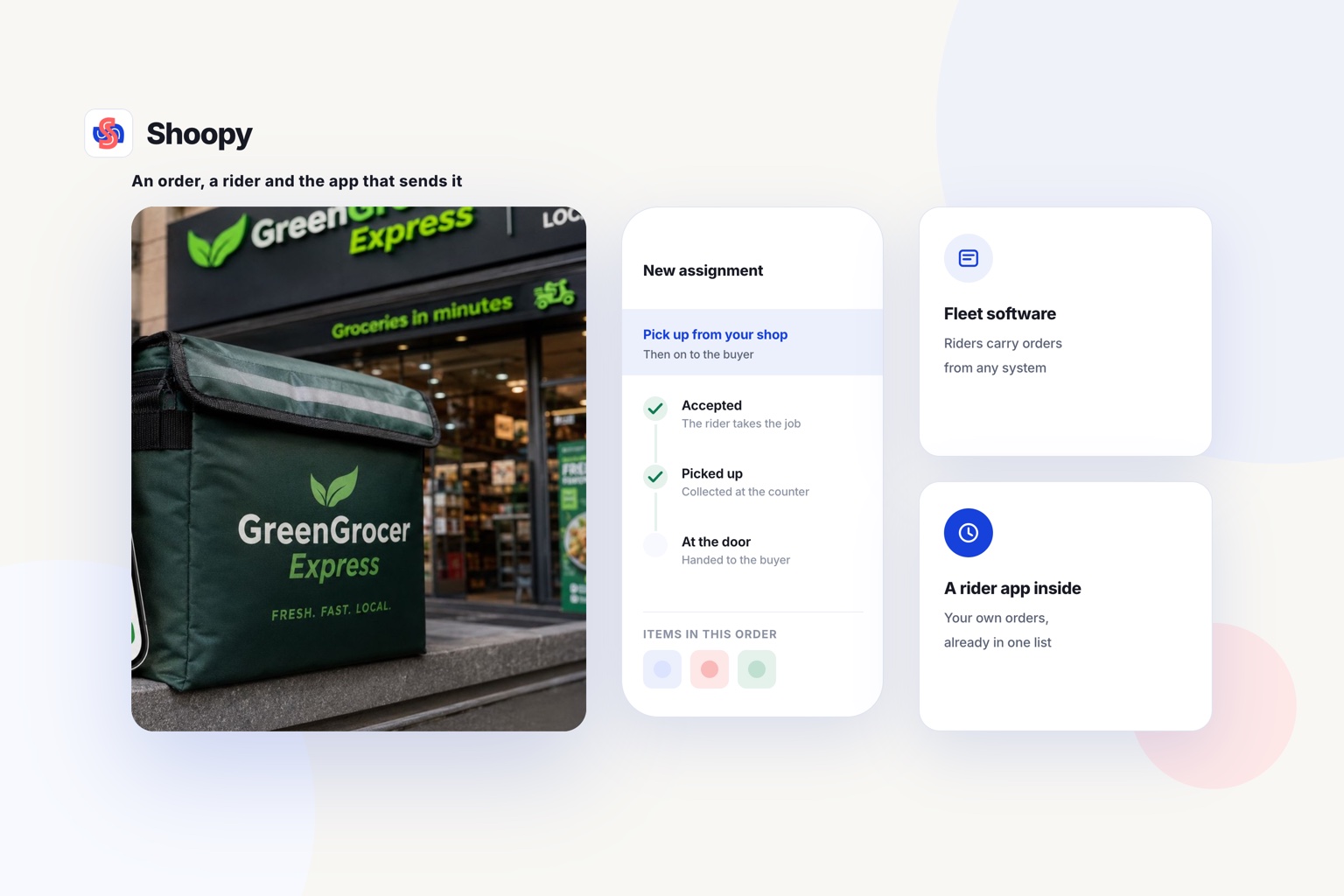
Quick Answer: Tookan, Onfleet, FarEye and Shoopy’s rider app are four delivery management software options for your own delivery riders. Fleet software suits riders carrying orders from any system, while a store platform’s rider app suits a shop that sells through its own online store. Shoopy’s rider app is part of the store platform, depending on your plan, so orders, delivery zones and riders sit in one place.
Delivery management software is a tool that sends each order to a rider, shows the address and records what happened at the door. This guide sorts four options by the kind of business each suits, not by rank. Each rival’s facts are read from its own page.
Which delivery management software can a shop use for its own riders?
Four options fit a shop with its own riders: three fleet tools and one store platform with a rider app. The table shows what each vendor’s own page says.
| Software | What its own page says | Check before you choose |
|---|---|---|
| Tookan | As of October 2026, Tookan’s pricing page prices plans by tasks per month, lists unlimited agents (drivers) on Startup, Growth and Standard, and marks route optimisation as paid on those three plans | Your task count in a busy month |
| Onfleet | As of October 2026, Onfleet’s pricing page lists monthly plans that each include a set number of delivery or pickup tasks, counted once completed, and puts photo and signature proof of delivery in its Launch plan, described as “All the basics for new and small teams” | Your task count in a normal month |
| FarEye | As of October 2026, FarEye’s last-mile delivery page says it is “built to suit the needs of the modern-day enterprises”, covers owned, outsourced and hybrid fleets, and has a driver app on Apple and Android | Whether your volume needs a large project |
| Shoopy | Shops whose orders come through their own online store, with delivery zones that each carry a charge, delivery slots and a rider app. Plans and current prices are on the pricing page | Whether the built-in delivery tools are enough |
Other delivery tools, such as Locus, Shipsy, LogiNext and Detrack, can be checked with the same three columns. Open each vendor’s own pricing or product page, because plans change.
How do delivery software plans count a task?
Read the pricing column as a unit of work. Where a plan counts tasks, read how that vendor’s page defines one task. Count last month’s deliveries, and a busy month too, before you compare plans.
What does last-mile delivery software do for your own riders?
It gives each rider the next order, the way to the address and a record of the handover. The last mile is the trip from your shop to the customer’s door.
How is an order assigned to a rider?
Someone at the shop, or the software itself, picks a rider for each order. The rider sees the order on a phone, with the customer’s name, address and number. Nobody reads an address out over a call.
How does a rider find the address?
The rider’s phone shares its position, so the shop can see who is closest. As of October 2026, Google’s Android help page says a phone owner can give an app approximate location instead of precise location. Ask each rider to allow the precise setting for the rider app, so the shop sees where the rider really is.
Proof at the door
Proof of delivery is the record that the order reached the customer. It can be a photo of the parcel, a signature or a one-time code that the customer reads out.
How is cash collected at the door handled?
With cash on delivery (COD), the customer pays the rider in cash. Choose software that marks each COD order as collected, so the shop knows how much cash each rider should bring back.
How is the customer told where the order is?
A message when the rider leaves the shop tells the customer when to expect the order. It also saves a phone call to the counter.
Do you need fleet software, or a rider app inside your store platform?
Fleet software fits when orders come from many systems or riders run long routes. A rider app inside your store platform fits when orders already come through your store.
When does fleet software fit?
Fleet software sits outside your store. Check how orders reach it: through a connection to your store, a file upload or a person typing them in. It suits a business that delivers for several shops, or one with many riders on long routes.
When does a store platform’s rider app fit?
A rider app inside a store platform starts from the order itself. The order the customer placed online becomes the job the rider sees. There is no second order list to keep up to date.
A comparison of quick-commerce software makes the same split. It describes fleet tools as sitting beside a store platform, for riders who have outgrown the platform’s own tools.
Two counts that decide it
Count orders per day and riders per shift before you decide. A few riders near the shop can start on a store platform’s rider app. Many riders on long routes may need the routing that fleet software adds.
What should you set up before your own riders start?
Set up these things first: delivery zones and charges, slots, one order list, orders across shops, and riders and cash rules. Each of them prevents a problem before the first order goes out.
Which area do your riders cover?
A delivery zone is the area your riders cover from the shop. Draw it on a map, then set a charge for each zone. A far zone can carry a higher charge than a near one.
Delivery slots
A delivery slot is a time window the customer picks at checkout. Offer only the slots your riders can keep on a busy day.
Do riders work from the shop’s own order list?
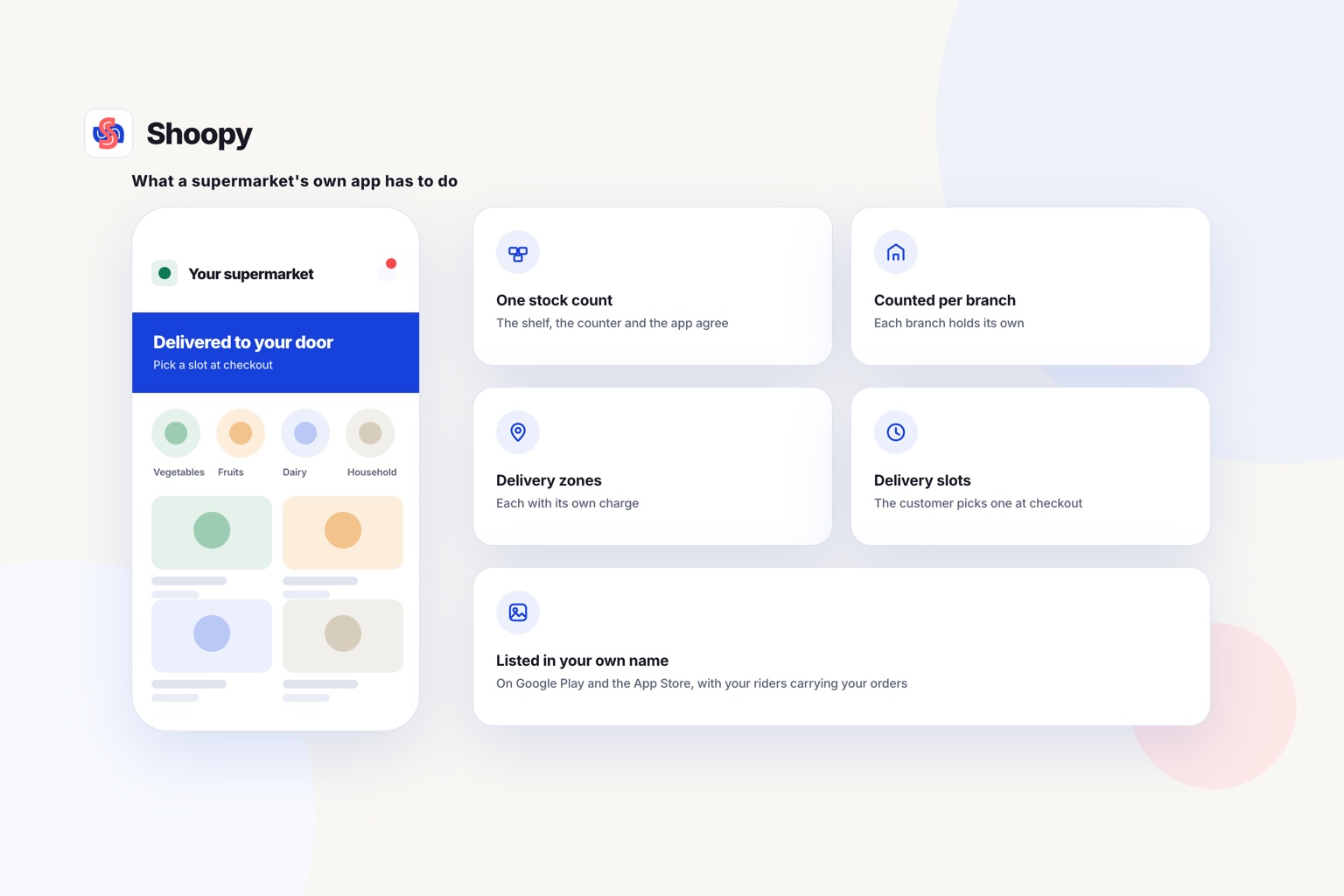
Your riders should work from the same order list as the shop. Shoopy offers delivery zones with a charge per zone, delivery slots and a rider app for your own riders, beside its online store.
Orders across several shops
If you run more than one shop, each order should go to the shop nearest the customer. Location-based ordering sends each order to the outlet that serves the customer’s area.
Riders and cash rules
Give each rider a personal login, not a shared one. Then every delivery and every cash collection carries one rider’s name. Agree a cash hand-in time on the first day.
On large COD orders, take part of the payment online when the customer orders. The rider then carries less cash, and the customer has a reason to accept the parcel.
What goes wrong when a shop runs its own riders, and how do you stop it?
Four problems are worth planning for: vague addresses, cash that does not match, slots you cannot keep and missing proof. Each has a fix you can set up before launch.
Vague addresses
A rider loses time when an address has no landmark, or the pin on the map is in the wrong street. Ask customers for a landmark at checkout. Call the customer before the rider leaves when an address looks incomplete.
Cash that does not match
At the end of a shift, a rider’s cash can differ from the COD orders marked delivered. Count the cash with each rider before they leave. Write down any gap the same day, with the order number.
Slots you cannot keep
A slot that passes without a delivery brings a phone call, and sometimes a cancelled order. Close a slot once every rider has as many orders as that slot allows. Open it again when a rider returns to the shop.
Missing proof
Without a photo or a code, you cannot show that the order arrived when a customer says it did not. Ask riders to record proof at every door, even for regular customers.
Which option fits which kind of shop?
Pick by four facts: where your orders come from, how far your riders travel, how large your network is, and whether you also sell online. The list is in no order of rank.
- Your store runs on another platform, and you want to keep it. Fleet software beside that store fits better. Compare the fleet rows in the table above.
- Your riders cover long routes with many stops. Look for route optimisation, and check in the table whether it costs extra.
- You run a large delivery network. Start with the row that describes a tool built for large businesses.
- You run a shop that sells online and delivers nearby. A store platform with delivery zones, slots and a rider app keeps one order list for the counter, the store and the riders.
Here is the limit, stated plainly. Shoopy’s rider app is part of its store platform, not stand-alone fleet software for a store that runs elsewhere. If your riders have outgrown a store platform’s own tools, fleet software beside the store fits better.
If your counter, your online store and your riders need one order list, see how orders and stock run in one queue. You can book a demo from that page.
Frequently asked questions
When does a shop need delivery software instead of a shared order list?
When the signs show up in a normal week: riders wait for addresses, cash totals do not match at the end of the day, or customers call to ask where an order is. Until then, a shared order list and phone calls can work. Count those calls for 1 week before you decide.
Should a shop use its own riders or a courier company?
Use your own riders for short trips inside the zone you set around the shop. There you control the timing, and the customer meets your staff. Use a courier for long distances and for areas your riders cannot reach in 1 trip. A shop can run both, with riders inside the zone and a courier beyond it.
What is route optimisation in delivery software?
Route optimisation is a feature that puts a rider’s stops in the order that cuts travel time or distance. It matters when one rider carries several orders on one trip. For 1 or 2 nearby orders, a rider who knows the area can plan the trip without it, so check whether it costs extra.
What does a delivery rider need on the first day?
A rider needs a smartphone with mobile data, the rider app installed and GPS (the phone’s positioning) switched on. Add a bag that keeps food or groceries safe, change for cash on delivery (COD) orders and the shop’s phone number. Do 1 practice delivery to a nearby address before the first real order.
How do I handle a customer who says the order never arrived?
Check the proof of delivery (POD) recorded for that order first: the photo, the signature or the code. Then check the time the rider marked it delivered against the rider’s trip. If the proof is missing, call the rider the same day, while the rider still remembers the trip.