 Shoopy
 Best ecommerce mobile app platforms in India for D2C brands (2026)
Four ecommerce mobile app platforms in India for D2C brands, read from each vendor's own page: app layer or full platform, how each charges, features to check.
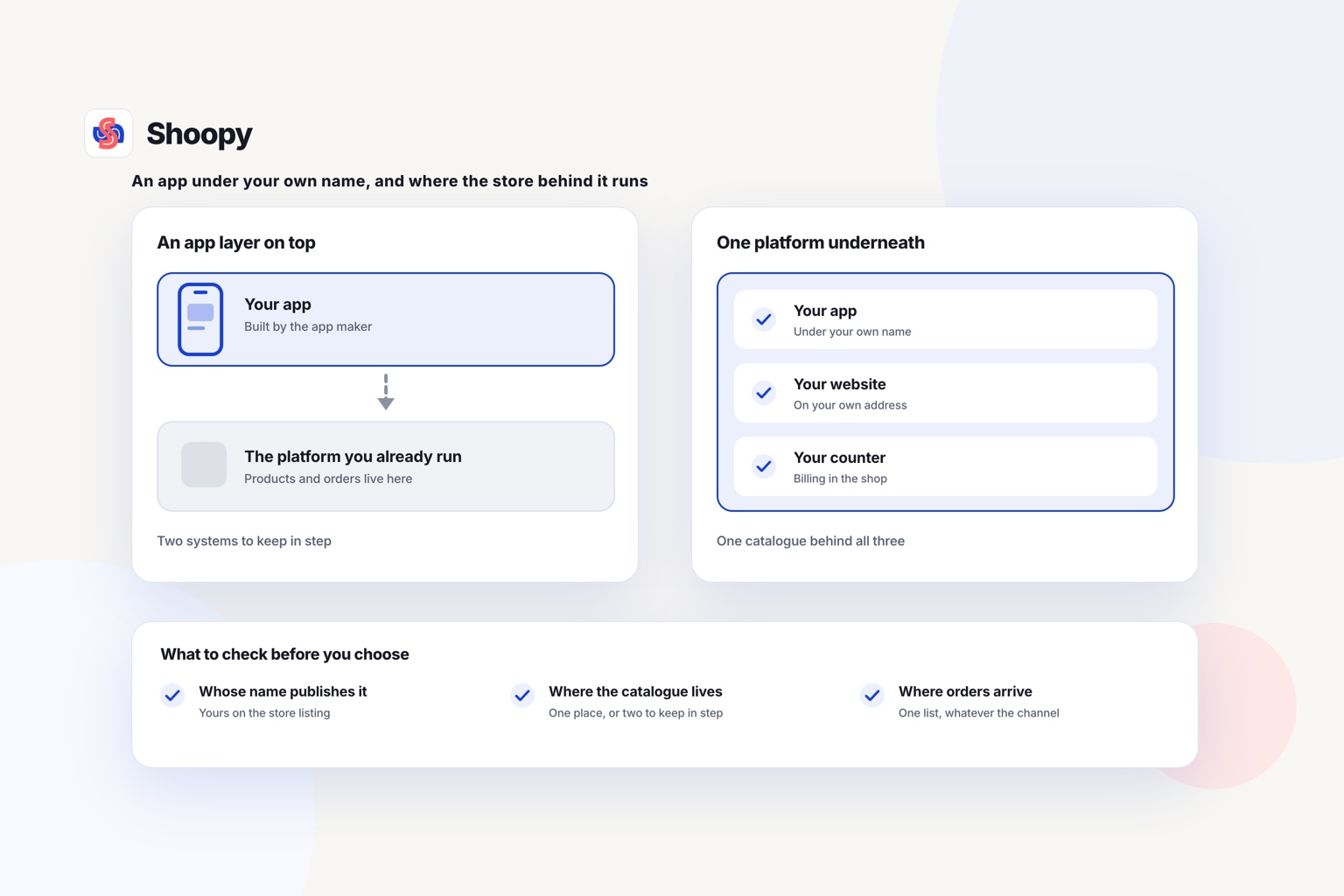
Quick Answer: Tapcart, Shopney, Superfans (formerly Vajro) and Shoopy are four ecommerce mobile app platforms a D2C brand can compare in 2026. An app layer adds an app to the store you already run, while a full platform runs the store and the app together. Shoopy runs the store and a branded app under your own name from one catalogue.
An ecommerce mobile app platform is software that turns your product catalogue into an Android and iPhone app under your brand’s name. A D2C (direct-to-consumer) brand sells from its own store, not a marketplace, and a mobile app for D2C brand customers puts that store on their home screen. The table places each option by how it connects to your store; it does not rank them.
Which ecommerce mobile app platforms can a D2C brand choose from?
This guide compares four platforms, each described from its own page as of October 2026. Read the “built for” part of each row first, because it tells you which store each one works with.
| Platform | Built for, and how it charges (from the vendor’s own page) |
|---|---|
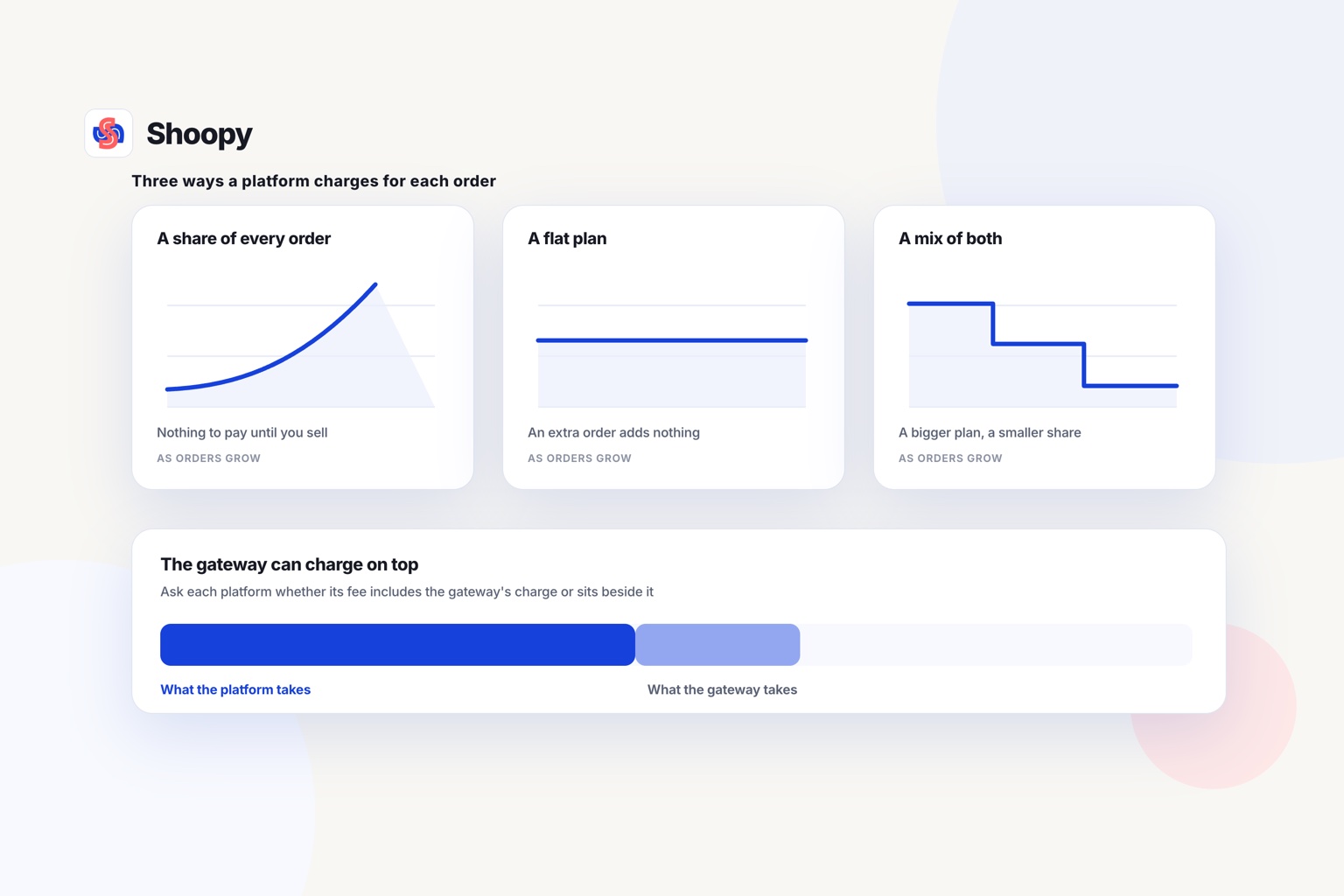
| Tapcart | As of October 2026, Tapcart’s pricing page says it supports only Shopify stores, lists Growth, Scale and Enterprise + plans priced per month in US dollars, and says every plan needs Apple and Google developer accounts. |
| Shopney | As of October 2026, Shopney’s pricing page lists four plans billed monthly on the Shopify invoice, with no commissions, and says every plan needs Apple and Google developer accounts. |
| Superfans (formerly Vajro) | As of October 2026, the Superfans pricing page calls it a mobile app builder for Shopify merchants and lists one Unlimited plan, priced per month in US dollars and banded by your annual revenue, with app-exclusive drops and early access. |
| Shoopy | Brands that want the online store and the branded app to run as one platform, from one catalogue. Plans and current prices are on the pricing page. |
Does each app platform work with the store you run today?
Start with the store you run today. If a row names a store platform you do not use, that option needs a move first.
For an app layer, add the store plan to what the table shows for the app builder. Compare that total with one plan that covers both.
Ask each vendor what you pay once the app is live, not only during setup.
What does a Shopify mobile app builder add, and how is it billed?
It adds a customer app to your Shopify store. The store itself does not move, and the table shows how each builder lists its plans.
Your products, prices and orders stay in Shopify. The builder shows them inside an Android and iPhone app with your name on it.
What to add up
Count your store plan, the builder’s plan from the table, and the developer accounts the app is published under. Use that sum when you look at a platform that includes the app.
Read the plan names and what each one adds before you pick the lowest one.
Count the store apps you already pay for as well. Some of them may need their own setup before they work inside the app.
Three questions for any app layer
Put these three questions to each vendor, and keep the answers in writing:
- Which of my store apps, such as reviews, subscriptions or size charts, show up inside the app?
- Do discount codes made in the store work in the app without extra setup?
- Can I export the list of app users and their orders if I leave?
Their answers show which store apps and offers you would set up twice.
App layer or full platform: what changes for your brand?
An app layer adds a second system beside your store, while a full platform runs the store and the app as one system.
When an app layer fits
Shopify already runs your store, and you do not intend to move it. Your team knows how to run it, and your store apps work the way you want.
In that case, moving the whole store to get an app is a bigger change than adding a builder. Compare the builders in the table on their plans and on the store apps they support.
When a full platform fits
You want one set of products, stock and orders behind the website and the app. Or you are starting a brand, or moving your store, and want one plan and one dashboard.
On Shoopy, the app carries your own name on Google Play and, on plans with an iOS app, on the App Store. It reads the same products, stock and orders as your online store, and buyers can follow their order live inside the app.
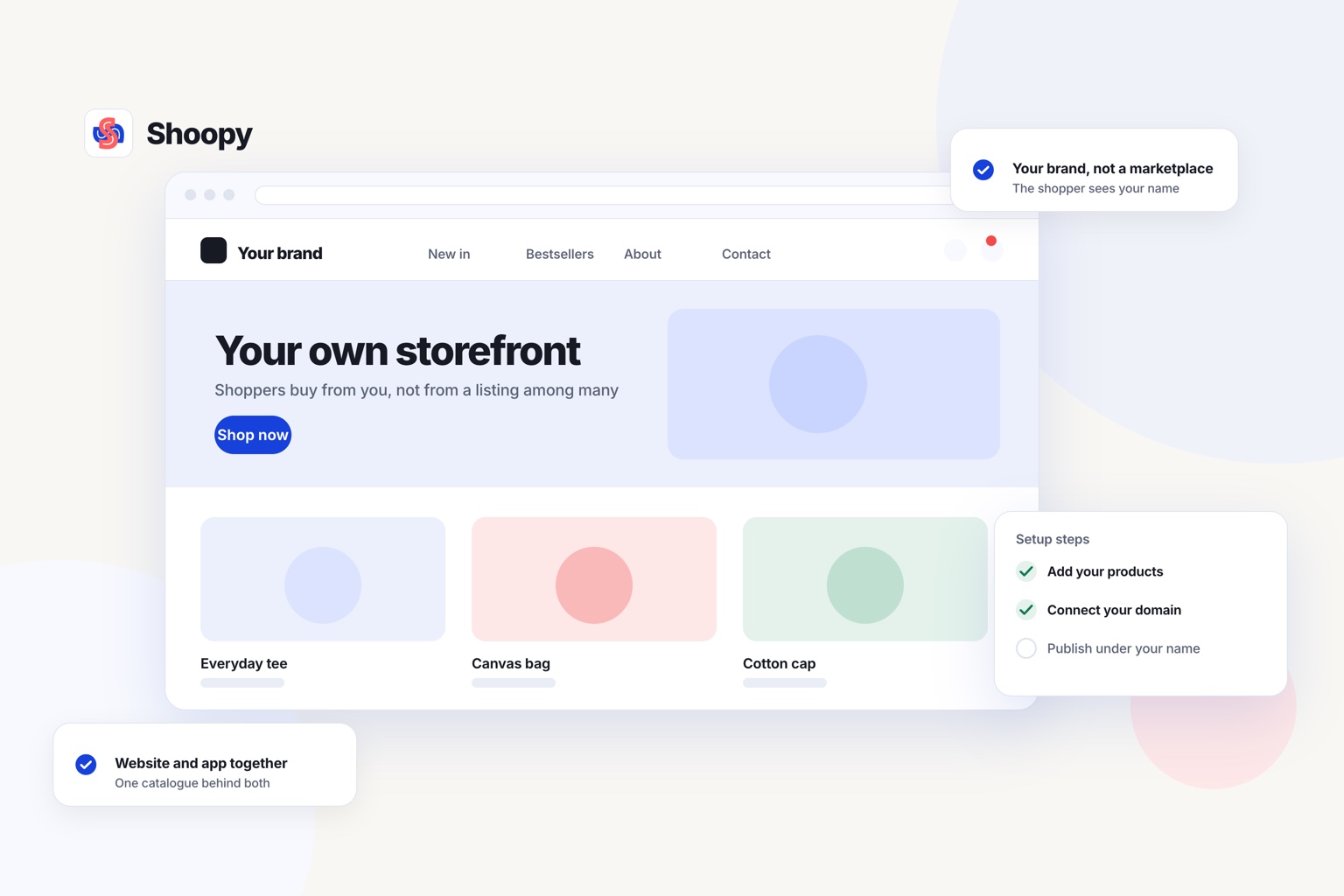
Push notifications, the alerts that appear on a phone’s lock screen, are available to customers who installed the app and allowed notifications, depending on your plan. A brand moving from Shopify can import its products and stock counts from a spreadsheet, so the products do not have to be added again. This page shows how a D2C brand’s store and apps share one catalogue.
For a list of store platforms that build the app into a plan, read which ecommerce platforms include branded Android and iOS apps.
Which features should a mobile app for D2C brand customers have?
Check six features before you choose: agreed notifications, order tracking, app-only offers, saved accounts, deep links and a listing in your name.
- Notifications the buyer agreed to. As of October 2026, Apple’s App Store Review Guidelines (section 4.5.4) say promotional alerts need the buyer’s opt-in inside the app and a way to opt out. Check that the platform shows that consent screen.
- Order tracking inside the app. A buyer who can see the order status does not need to message you to ask. Check that the status changes without the buyer leaving the app.
- App-only offers. An offer that works only in the app gives buyers a reason to install it. Check that you can set one up without a developer.
- Saved accounts and order history. Check that a buyer can reorder from a past order. A buyer who signs in on the website should see the same orders in the app.
- Deep links. Check that a tap on an alert or an email opens the right product screen, not the home screen.
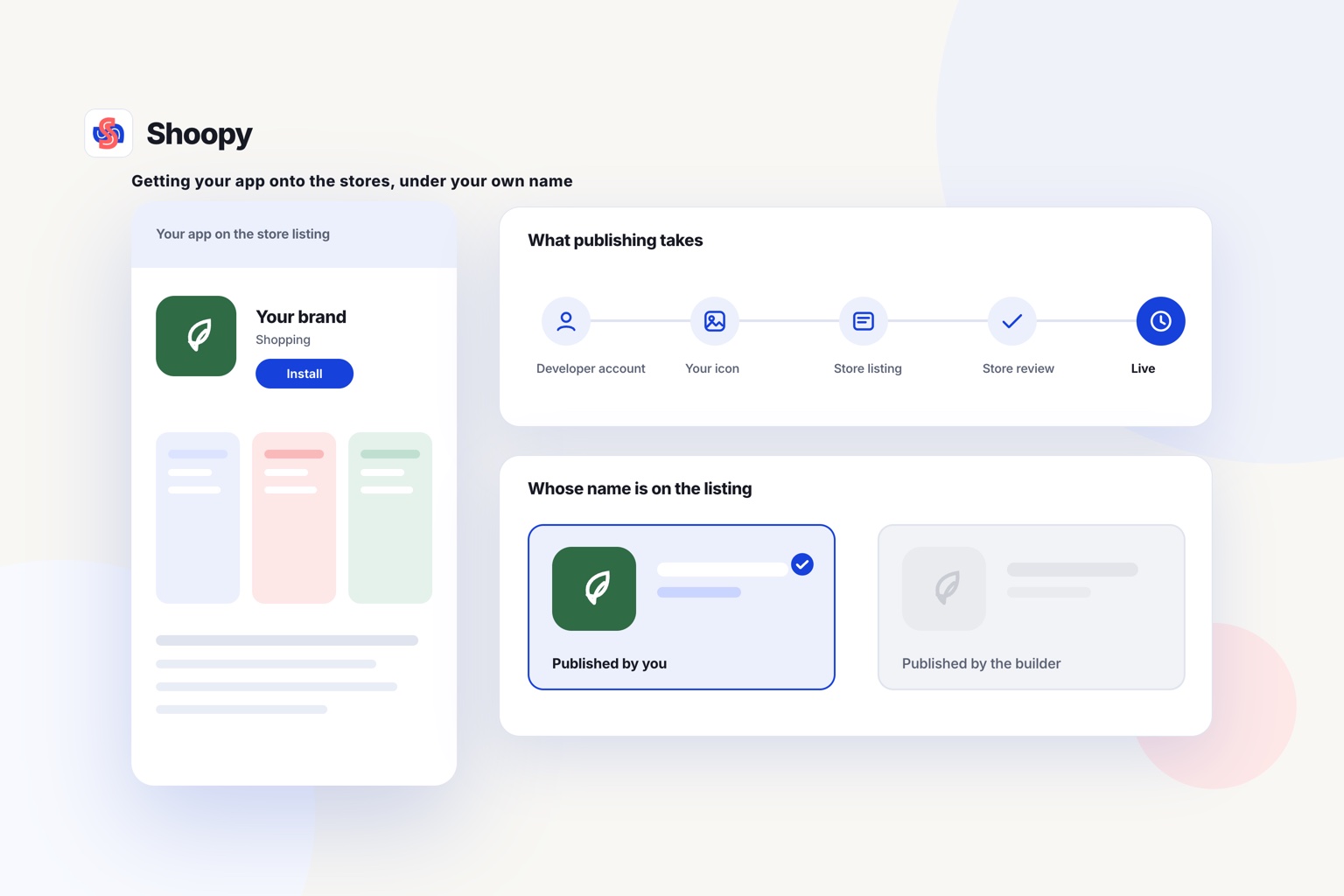
- A listing in your own name. The app should sit in your own developer account on Google Play and the App Store. Ask how the listing moves with you if you change platforms.
What goes wrong when the app is a copy of the website, and how do you stop it?
Three problems follow: a reviewer can reject it, buyers see no reason to install it, and offers do not match between the app and the website.
Rejection at review
Apple can reject an app that only repeats a website. The same guidelines (section 4.2) say an app should offer features, content and screens beyond a repackaged website.
Give the app features beyond browsing, such as lock-screen alerts, a saved cart and order tracking.
No reason to install
A buyer who can do the same things on the website has little reason to add your app. Give buyers who install it something the website lacks: early access to a launch, an app-only offer or a quick reorder from past orders.
Tell buyers the app exists, too: on the order confirmation page and in the order email.
Offers that do not match
If the app and the website run separate offers by mistake, a buyer sees one price on the phone and another on the laptop. Keep one catalogue and one list of offers. An app-only offer is the planned exception, so label it clearly in both places.
How do you decide between the four platforms?
Decide by where your store runs today, and whether you want one system or two. Start from where your brand is today; the list is not a ranking.
- You run on Shopify and plan to keep it. Choose between the first three rows of the table, plan by plan.
- You are starting a brand, or moving your store. A full platform gives you the store and the app from one catalogue and one plan.
- You sell to buyers in many countries. Check each platform’s languages, currencies and payment options for those countries before you choose.
- Few of your buyers order twice. Put the work into the website first, and add the app when repeat orders grow.
What a platform-built app cannot do
Shoopy builds the app only from a store that it also runs. A brand that keeps its Shopify store needs an app layer from the table instead.
If you want one catalogue behind the website and the app, read the branded app page and book a demo there.
Frequently asked questions
How long does app store review take for a shopping app?
As of October 2026, Apple says it reviews at least half of App Store submissions within 24 hours and 90% within 48 hours. Google Play says some apps get an extended review of up to 7 days or longer. Submit a week before a launch or a sale, not on the day itself.
Do customers have to allow push notifications?
Yes, on iPhone and on Android 13 or later. Apple’s developer documentation says an app must get permission before it shows notifications, and Android’s guide says a new app’s notifications stay off until the buyer allows them. Ask after a useful moment, such as the first order, and say what the alerts will carry.
What is a deep link in a shopping app?
A deep link is a URL (web address) that opens one screen inside an app, such as a product page. Android’s developer guide says deep links bring users into app content from links they tap in web pages, search results and notifications. Put one in every message, so a tap on a restock alert opens that product.
How do website visitors find out that my brand has an app?
Show them on the website, and on iPhone use Apple’s Smart App Banner, a strip at the top of a web page that opens your App Store listing. If the buyer already has the app, the banner opens it instead. Add a QR code to packing slips and order boxes too, so buyers who open a parcel can install it.
Can I change app platforms without losing the people who installed my app?
Yes, if the listing sits in your own developer account and the new app ships as an update to it. Android’s developer guide says that changing an app’s application ID creates a new app, and users of the old version get no update. Ask any new platform to publish under your existing listing.