 Shoopy
 Ecommerce platforms in India that support partial COD (2026)
Four partial COD options in India, each read from its own page, with how to set the advance, avoid payment mix-ups and bring down RTO on your COD orders.
Quick Answer: Razorpay Magic Checkout, Cashfree, Shiprocket Checkout and Shoopy are four partial COD options for ecommerce stores in India. Partial COD means the buyer pays part of the order online and the rest in cash on delivery. The first three are checkout tools you add to a store, while on Shoopy advance payment on COD is set in the store itself.
RTO (return to origin) is a parcel the courier brings back to you undelivered. On a full COD order, an RTO brings in no payment for that order. Partial COD gives the buyer a reason to accept the parcel, because part of the bill is already paid.
How do Razorpay, Cashfree, Shiprocket and Shoopy handle partial COD?
This table compares four options, each read from its own page. One comes with a store platform. The other three are checkout tools, each described from the provider’s own guide. The three checkout tools come first and the store platform last; the order is not a ranking.
| Option | Partial COD, from the option’s own page |
|---|---|
| Razorpay Magic Checkout | As of October 2026, Razorpay’s Magic Checkout guide for Shopify lets you take up to 50% of a COD order online, as a percentage or a fixed amount, once Razorpay enables it for your account |
| Cashfree | As of October 2026, Cashfree’s COD guide for One Click Checkout lets you collect a flat amount or a percentage of the order value in advance on COD orders |
| Shiprocket Checkout | As of October 2026, Shiprocket’s guide to partial COD says its fastrr Checkout collects an upfront payment before confirming a COD order, with rules based on order value, customer behaviour or other risk factors |
| Shoopy | Advance payment on COD is available: you switch on Advance Partial Payment in Payment Settings. Buyers pay online through Razorpay or PayU. Plans and current prices are on the pricing page |
Read each row for two things: who switches the feature on, and how the advance is set. If your store runs on a different platform from the one a guide describes, ask the provider whether it connects to yours.
How does partial COD work on an order?
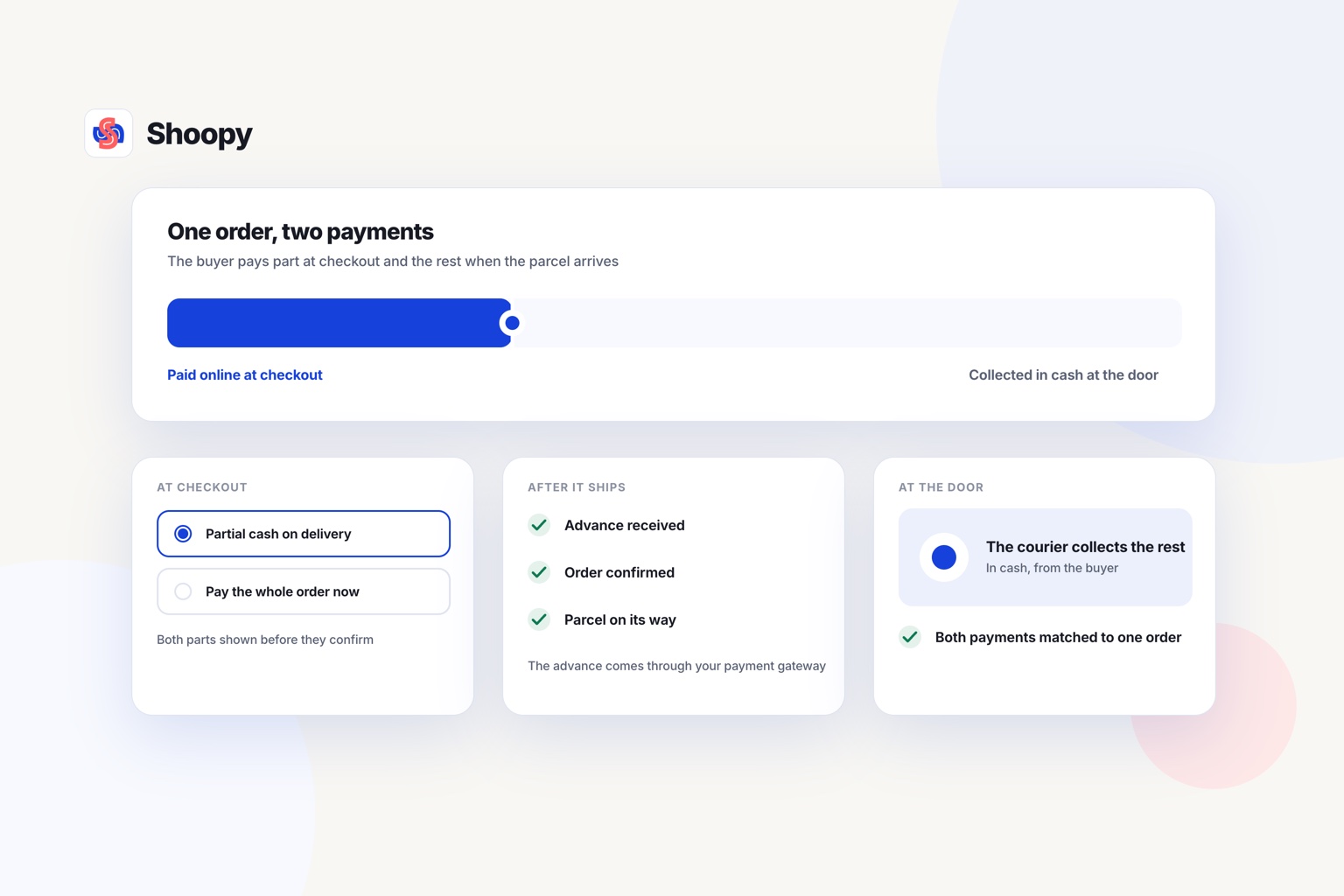
The buyer pays a small part of the order online at checkout, and the courier collects the rest in cash at the door. The flow has five steps:
- The buyer picks partial COD at checkout. The checkout shows the advance and the balance due at delivery.
- The buyer pays the advance online. The buyer can pay by UPI (Unified Payments Interface) or another online mode the store accepts.
- The order is confirmed. You pack and ship it like any other order.
- The courier collects the balance. The buyer pays this part in cash when the parcel arrives.
- You match both payments to one order. The advance comes from your payment gateway, and the balance comes from the courier.
The same idea is used in advance payment on COD for D2C brands: a token amount is collected upfront, before the parcel ships.
An advance does not remove COD. The buyer still pays the balance in cash. Buyers who prefer cash can still order, and each parcel carries less risk for you.
How to reduce RTO in ecommerce
An advance is one lever, not the whole answer. RTO (return to origin) is a parcel that comes back unaccepted. Four checks cut it. Confirm the address and phone number before you ship, and set an advance on the orders that come back most often. Tell the buyer when the parcel is out for delivery, and stop shipping to pin codes where your own return rate stays high. Measure one change at a time, or you will not know which one worked.
How do you add partial COD to a Shopify or WooCommerce store?
If your platform’s own checkout does not offer partial COD, add it through a checkout tool that connects to your store. Then test it with real orders.
Work through these checks before you switch it on for buyers:
- Check the connection. Ask the tool’s team whether it works with your platform. Read its setup guide for your platform, not a general page.
- Ask who switches it on. Ask whether you can switch it on yourself, or whether the provider must switch it on for you. Find out before a sale.
- Finish your gateway’s KYC. KYC (know your customer) is the check a payment gateway runs on you and your bank account. The advance is an online payment, so the gateway must approve you first.
- Set the advance. Choose a fixed amount or a percentage. The next section shows how to pick one.
- Place two test orders. Place one on full COD and one with an advance. Both should reach the same order list, each with the right amount due.
Keep your old COD setting on until both test orders look right. Then switch the advance on for real buyers.
How much should the buyer pay upfront?
Ask for an amount large enough to matter to the buyer, and small enough that COD buyers still finish the order. Start small, then adjust it with your own return figures.
A fixed amount or a percentage
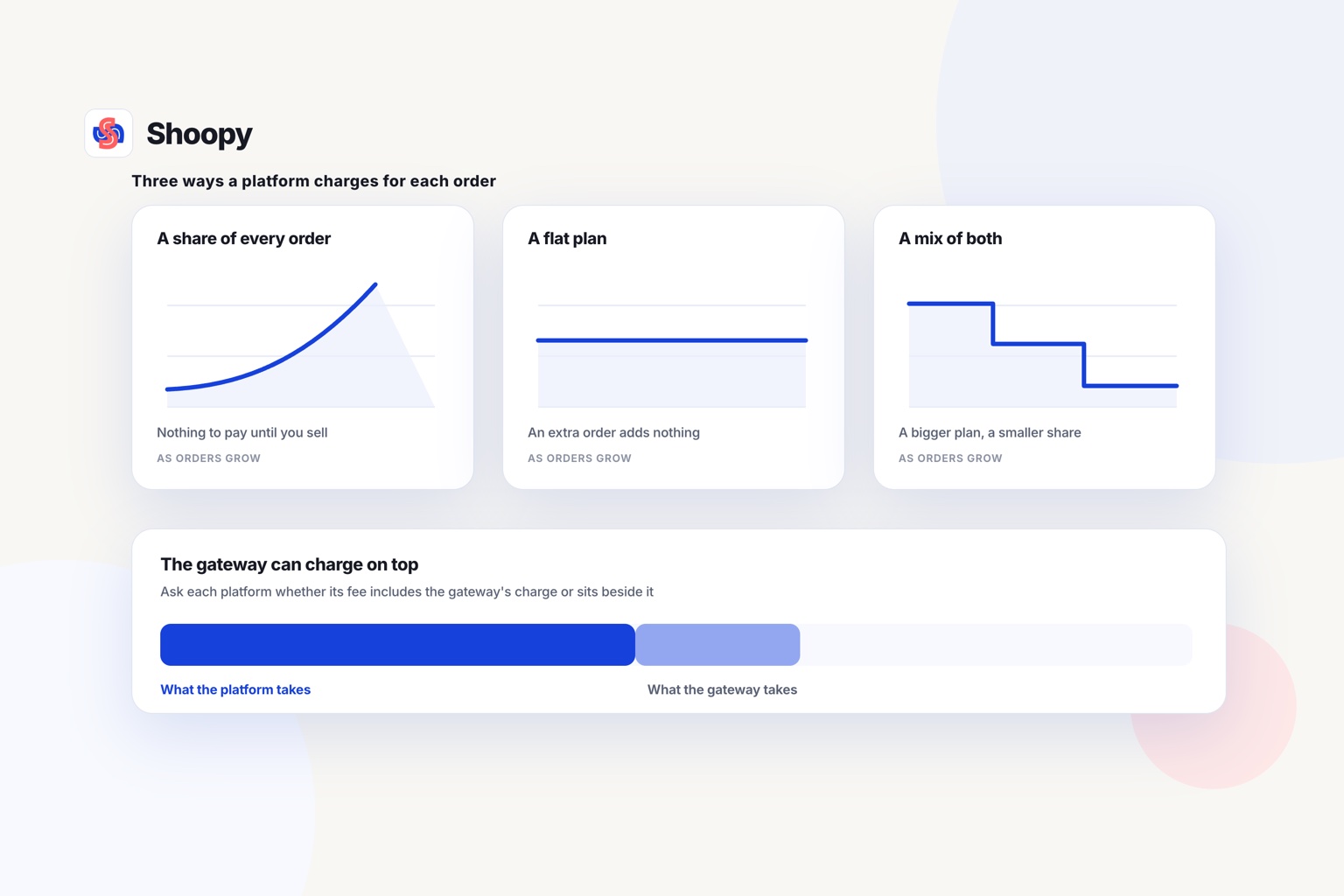
A fixed amount is the same on every order. It is easy to explain at checkout, and buyers see the same figure each time.
A percentage grows with the order value. It protects you more on expensive orders. If you set the advance at one-fifth of the order value, the buyer pays the other four-fifths in cash.
Where your checkout allows it, you can mix the two: a fixed amount on small orders and a percentage on large ones.
Which orders should carry an advance
You do not have to ask every buyer for an advance. To reduce RTO in ecommerce without dropping COD, use it where your own records show more parcels coming back. Three groups to look at first:
- High-value orders. Each parcel that comes back holds more of your money.
- First orders from new buyers. You have no history with this buyer yet.
- PIN codes with many returns. A PIN code is the postal code on the delivery address. Count, for each one, how many COD parcels came back out of how many you sent.
What the buyer should see
Show three figures before the buyer pays: the order total, the advance and the cash due at delivery. A buyer who sees only one figure may think the advance is an extra charge.
What goes wrong with partial COD, and how do you avoid these mistakes?
Four things go wrong: a high advance, a courier who collects the full amount, payments that do not match, and an unclear refund rule.
The advance is too high
A high advance asks a COD buyer to pay most of the order online. A buyer who chose COD to avoid paying online may leave the checkout. Raise the advance in small steps, and watch how many buyers still finish the order.
The courier collects the full amount
The courier must collect only the balance. If the shipping label shows the full order value as the COD amount, the buyer is asked to pay the advance a second time. Place a test order and read the COD amount on the label before you ship real orders.
The two payments do not match
Each order with an advance has two payments: the advance from the gateway and the balance from the courier. Record the advance when the gateway pays it into your bank. Record the balance when the courier pays the cash to you. Close the order in your records only when both amounts have reached your bank.
The refund rule is unclear
Buyers may ask what happens to the advance if they cancel or refuse the parcel. Write the answer in your refund policy before you launch. Show a short version at checkout, next to the advance.
Checks that run before the parcel leaves help too. This post on connecting your store and your courier explains how a connected workflow helps catch losses, such as a fake COD order, before the parcel leaves.
Which setup fits which kind of seller?
The right setup depends on where your store runs today and how many COD parcels come back. This list follows the kind of seller, not a ranking.
- Your store stays on Shopify. Read the checkout tool rows, then ask each provider whether it connects to a Shopify store.
- Your store runs on WooCommerce. Ask each checkout tool in the table whether it connects to a WooCommerce store before you sign up.
- You already book shipments with Shiprocket. Read the Shiprocket Checkout row first, then ask whether its checkout connects to your store.
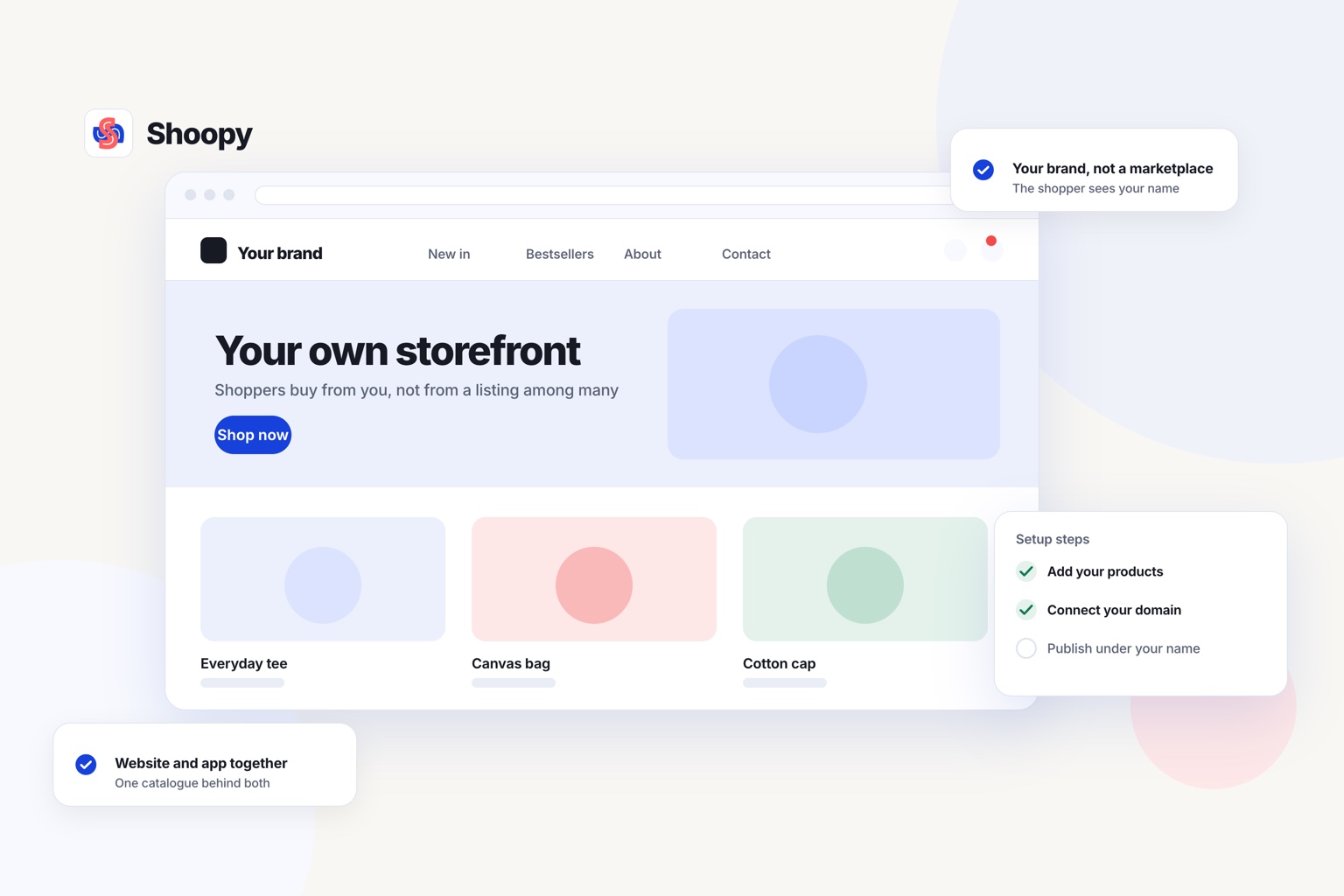
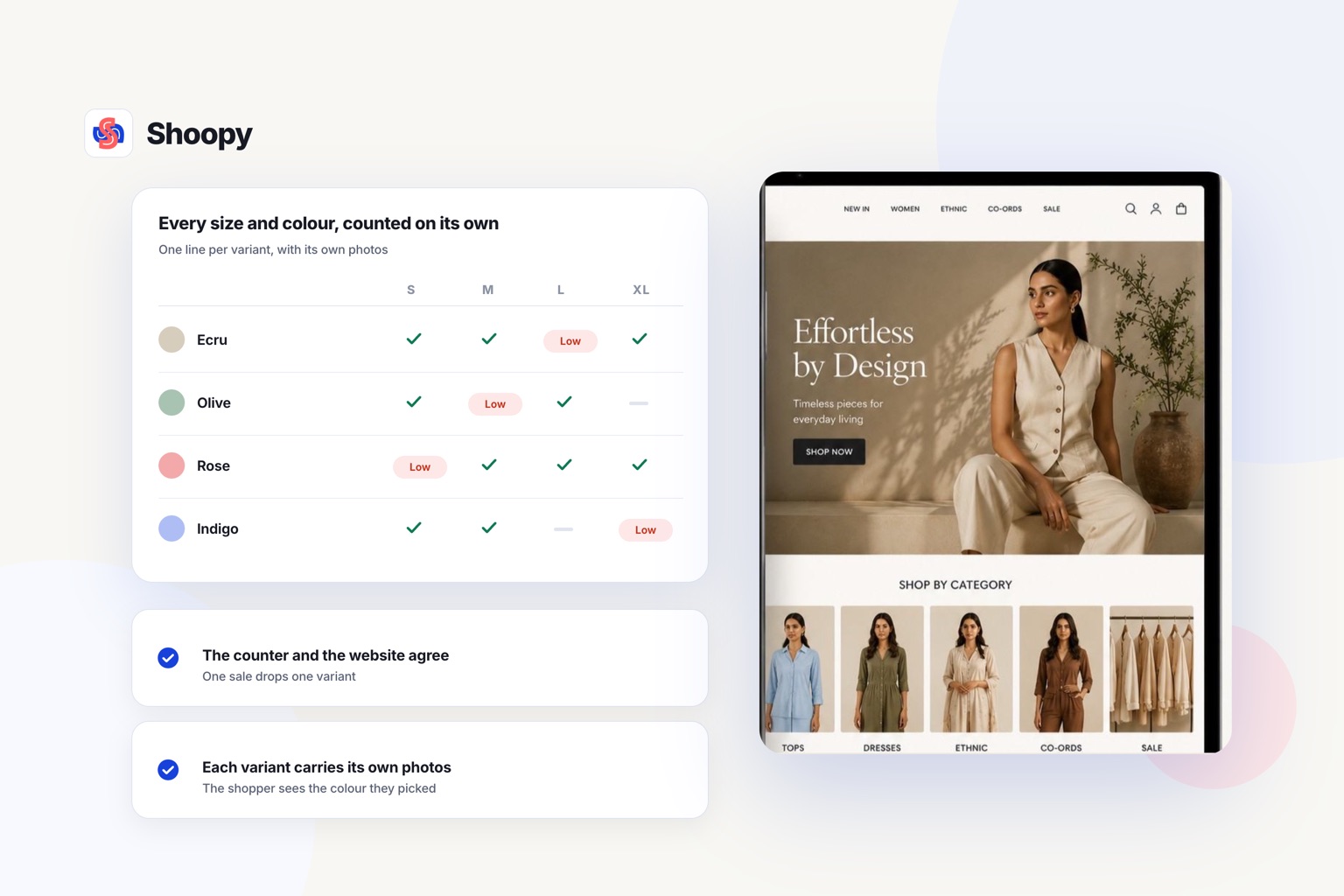
- You also bill at a counter. Advance payment on COD is available on Shoopy, depending on your plan, and is set from the store’s Payment Settings beside cash on delivery. Counter billing reads the same catalogue as the store.
If your store already runs on Shopify or WooCommerce, look first for a checkout tool that connects to it. Adding one tool is a smaller job than moving the whole store.
One limit to plan for
On a new store, buyers can pay the advance only after your payment gateway approves your account. The store setup guide shows the store connecting to Razorpay or PayU, while each gateway runs its own KYC first.
To start, set up your online store, then run your own test orders before buyers see it.
Frequently asked questions
Does a partial COD order need two invoices?
No. One order gets one invoice for its full value, whatever mix of online and cash pays for it. The invoice carries the total, while your books carry two receipts against that one number. Keep both receipt references on the order itself, so the invoice and your bank entries can be matched without guesswork.
Will your courier support a partial COD order?
Ask before you switch it on. The courier is told to collect the balance rather than the full order value, so the amount on the label has to be the balance alone. If the courier’s system cannot carry a value different from the invoice total, the rider will ask for the wrong amount at the door.
Can a buyer change a partial COD order to a fully prepaid one?
Usually yes, before the parcel ships. The simplest route is to send a payment link for the balance, then mark the order prepaid so the courier collects nothing. Decide who is allowed to do this and write it down, because an order marked prepaid by mistake leaves the rider with nothing to collect and no record of it.
Is partial COD the same as a COD fee?
No. A COD fee is an extra charge added to an order because the buyer pays in cash. In partial COD, the advance is part of the order price, and the buyer pays the same total. A store can use both, but the checkout should show each amount on its own line.
Is partial COD the same as EMI or a pay-later option?
No. EMI and pay-later split the price into instalments that a lender collects after delivery, and the seller is usually paid in full upfront. Partial COD splits one payment between your gateway and your courier, with no lender involved and no credit check on the buyer.