 Shoopy
 Direct online ordering for restaurants in India, without Swiggy and Zomato (2026)
What a restaurant online ordering system in India needs to take orders on your own website, app or WhatsApp link: payment, kitchen tickets and delivery.
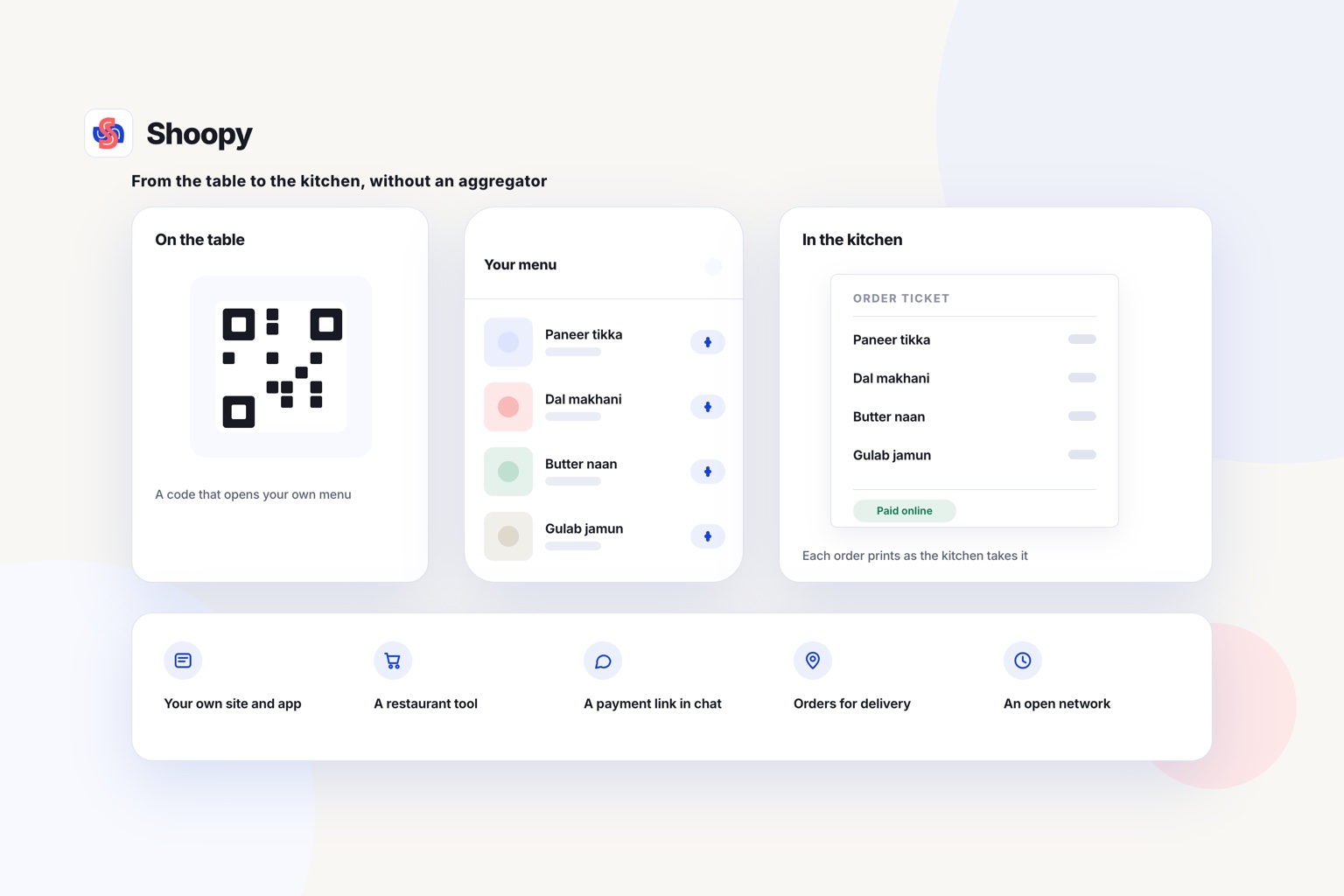
Quick Answer: A restaurant takes online orders without Swiggy and Zomato through its own ordering website or app, linked from WhatsApp and a menu QR code. Buyers pay by UPI or cash on delivery, each order prints a kitchen ticket, and your own rider delivers it. Shoopy runs that ordering website and branded app, and sets delivery zones for your own riders.
Direct online ordering means a customer orders from your restaurant’s own website, app or chat link, not through a food delivery marketplace. A restaurant online ordering system is the software behind it: the menu page, the payment step and the order list.
You keep the customer’s name and number, and you decide the delivery area and charge. In return, you run the delivery and the payment setup yourself.
What are the ways a restaurant in India can take direct online orders?
There are five routes: your own ordering website or app, a restaurant ordering tool, payment links in chat, WhatsApp alone, and ONDC. The table is sorted by the kind of restaurant each suits, not by rank.
| Route | Built for, and how it works (from its own page) |
|---|---|
| FrontPe | As of October 2026, FrontPe’s online ordering page describes a QR code for each table and a shareable menu link, with a flat subscription fee and zero per-order commission |
| Ritaya | As of October 2026, Ritaya’s online ordering page offers a branded ordering website whose orders land in Ritaya POS, with no Ritaya commission on them, and it can bring aggregator orders into the same POS |
| Razorpay Payment Links | As of October 2026, Razorpay’s Payment Links page says you can send a payment link by SMS, email or WhatsApp and take payment through 180+ payment methods |
| WhatsApp alone | A small menu and a few orders a day. Each order is read in the chat and written down by hand |
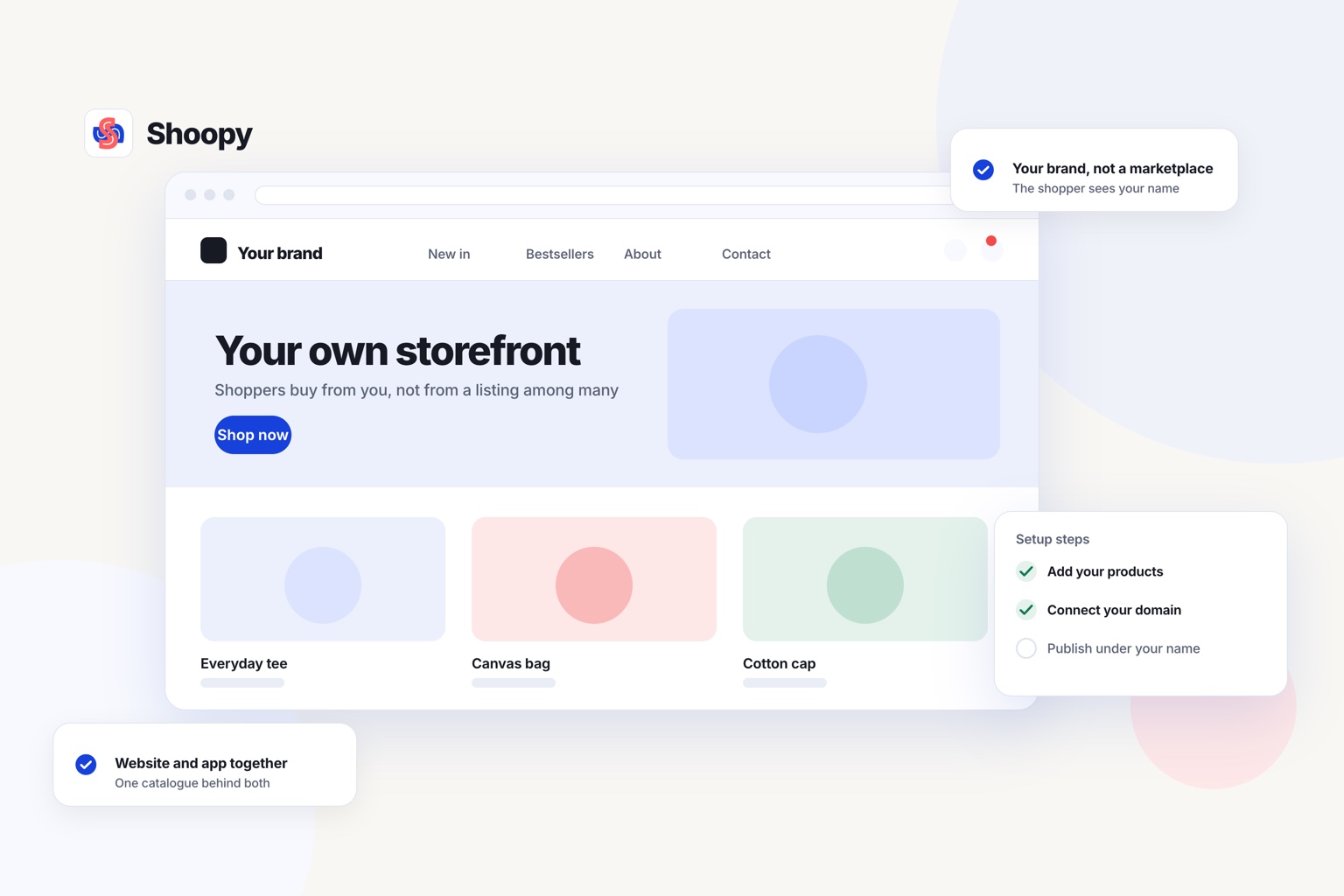
| Shoopy | Your own ordering website and app, for restaurants that bill at a counter and deliver with their own riders. You set the menu, the delivery area and the payment modes. Plans and current prices are on the pricing page |
Where ONDC fits
ONDC (Open Network for Digital Commerce) is an open network that buyer apps and sellers in India join. As of October 2026, ONDC’s website describes its food network as lower-cost digital commerce for restaurants and food brands. Your menu can then appear in several buyer apps, not on one marketplace.
ONDC brings new buyers to you, much like a marketplace. Your own website serves the buyers who already know your food.
How do customers pay for a direct order: payment link, UPI or cash?
Customers pay at checkout on your ordering page, through a payment link you send in chat, or in cash at the door. You can offer all three at once.
A payment gateway collects the buyer’s online payment and settles it into your bank account. In India, Razorpay and PayU are two such gateways. The gateway shows the buyer UPI (Unified Payments Interface, paying straight from a bank app), cards and netbanking.
A payment link is a web address that opens a payment page for one order. You send it in the chat after the customer confirms the order. The customer taps it, pays, and you see the payment against that order.
Cash on delivery (COD) means the buyer pays your rider at the door. It suits buyers who do not pay online. Its risk is a refused order: the food is cooked and the buyer is not home.
Advance payment on COD lowers that risk. The customer pays part of the bill online at checkout, then hands the rider the balance. A buyer who has paid part of the order has a reason to be home.
Before you open, place one test order with each payment mode. Check that each paid order shows as paid in your order list.
What should a restaurant online ordering system include?
A restaurant online ordering system should include five things: one menu, kitchen tickets, delivery zones, your own riders and ownership of your customer list.
One menu for every channel
Your menu is your catalogue: the one list of dishes and prices that every channel reads. Change a price once, and the website, the app and the counter bill all show it. Mark a dish sold out once, and nobody can order it anywhere.
If you sell half and full plates or extra toppings, check how each tool shows them on the menu. On Shoopy, dishes are listed the way a store lists its products.
Kitchen tickets
A KOT (kitchen order ticket) is a printed slip that tells the kitchen what to cook. It lists the dishes and the notes for one order. With KOT printing from the order, nobody has to read orders out from a phone.
Delivery zones around your kitchen
A delivery zone is an area you deliver to, with its own delivery charge. Set zones around your kitchen, and charge more for the far ones. You can also offer delivery slots, so buyers choose a time.
Your own riders
Your riders need the address, the phone number and the amount to collect. A rider app shows these on the rider’s phone. The rider then does not have to call the kitchen for each order.
Your domain and your customer list
Your ordering website should sit on a domain registered in your restaurant’s name. Your customer list should be yours to download. Then you can move tools later without losing your regulars.
Shoopy’s food ordering page shows these parts working together: ordering on your own site, a branded app, kitchen tickets and delivery zones with their own charges. A rider app is also available for your own riders.
How do you bring regular customers to your own ordering link?
Put the ordering link wherever your regulars already see your name. A link they never see takes no orders.
- On every bag and box. Print a QR code that opens your ordering page. A QR code is a square barcode that a phone camera reads.
- On the bill. Print the link on the bill you hand over at the counter.
- On your table menus. A diner who liked the food can scan it and order next time from home.
- In WhatsApp replies. When a regular asks for the menu on WhatsApp, send the ordering link, not a photo of the menu.
The last point needs a habit at the counter. This guide on taking WhatsApp orders without the chaos shows how a link replaces the order typed into a notebook.
Give regulars a plain reason to switch. A dish or a combo that is only on your own channel is one reason. A lower delivery charge in the nearest zone is another.
What goes wrong when a restaurant starts direct orders, and how do you avoid these mistakes?
Four things go wrong: food that travels too far, two menus, payments set up late and orders the kitchen misses. Each has a fix you can apply before launch.
Food travels too far. A biryani that rides for a long time arrives cold. Draw your first zones small, at the distance your rider can cover while the food is still hot. Widen them only after the first weeks of orders.
Two menus. A dish sells out at the counter but still shows online. Keep one menu that the counter, the website and the app all read.
Payments set up late. Open your payment gateway account early, and send it the business documents it asks for. Do this before you print a single QR code.
Missed orders. An order that only shows on a phone screen waits until someone looks. Print a kitchen ticket for every order, and keep the printer next to the cooks.
Should you stop taking orders on Swiggy and Zomato?
No, not if they bring you new customers. Keep them for buyers who have not found you yet, and move your regulars to your own channel.
A marketplace shows your restaurant to people searching in the app. Your own website does not do that. It serves the people who already know your name and your food.
One boundary is worth stating plainly. The food ordering page linked above says the aggregators are good at finding new customers, and advises keeping them for that.
Another platform can fit better in two cases. If most of your orders are eaten at the table, read the FrontPe row in the table above. If you want aggregator orders and direct orders on one screen, read the Ritaya row.
Does your restaurant bill at a counter and deliver with its own riders? See how orders from your website, app and counter land in one order list, and book a demo from that page.
Frequently asked questions
Can customers order food online without downloading an app?
Yes. An ordering website opens in the phone’s browser, so a customer can order from a link or a QR code without installing anything. With a PWA (progressive web app), the customer can also add your site to the home screen, and it opens like an app.
What costs come with taking your own food orders?
A payment gateway such as Razorpay or PayU can charge a fee on each online payment, so read its pricing page. You also pay for riders, fuel, packaging and printer rolls. Add these to the ordering tool’s own fee before you compare two tools.
What details should a KOT show?
A KOT should show the order number, each dish with its quantity, and any note from the buyer, such as less spice or no onion. It should also say whether the order is for delivery, pickup or a table. One clear slip per order stops the kitchen from cooking from memory.
How do I decide how far my restaurant should deliver?
Start from the food, not the map. Time 2 test rides from the kitchen to the edge of each zone, one at lunch and one at dinner. Keep only the zones your rider reaches while the food is still hot, and charge more for the far ones.
How do I take food orders on WhatsApp without mistakes?
Reply to each order request on WhatsApp with your ordering link, not a typed list of dishes. The buyer picks the dishes and pays on the page by UPI or card, so the order arrives complete. You then confirm it in the chat, and nobody copies the order into a notebook at night.