 Shoopy
 White-label online ordering app platforms for restaurants in India (2026)
Choosing a platform for a white-label restaurant ordering app: four options, how each one charges, whose name goes on the app listing and what to test first.
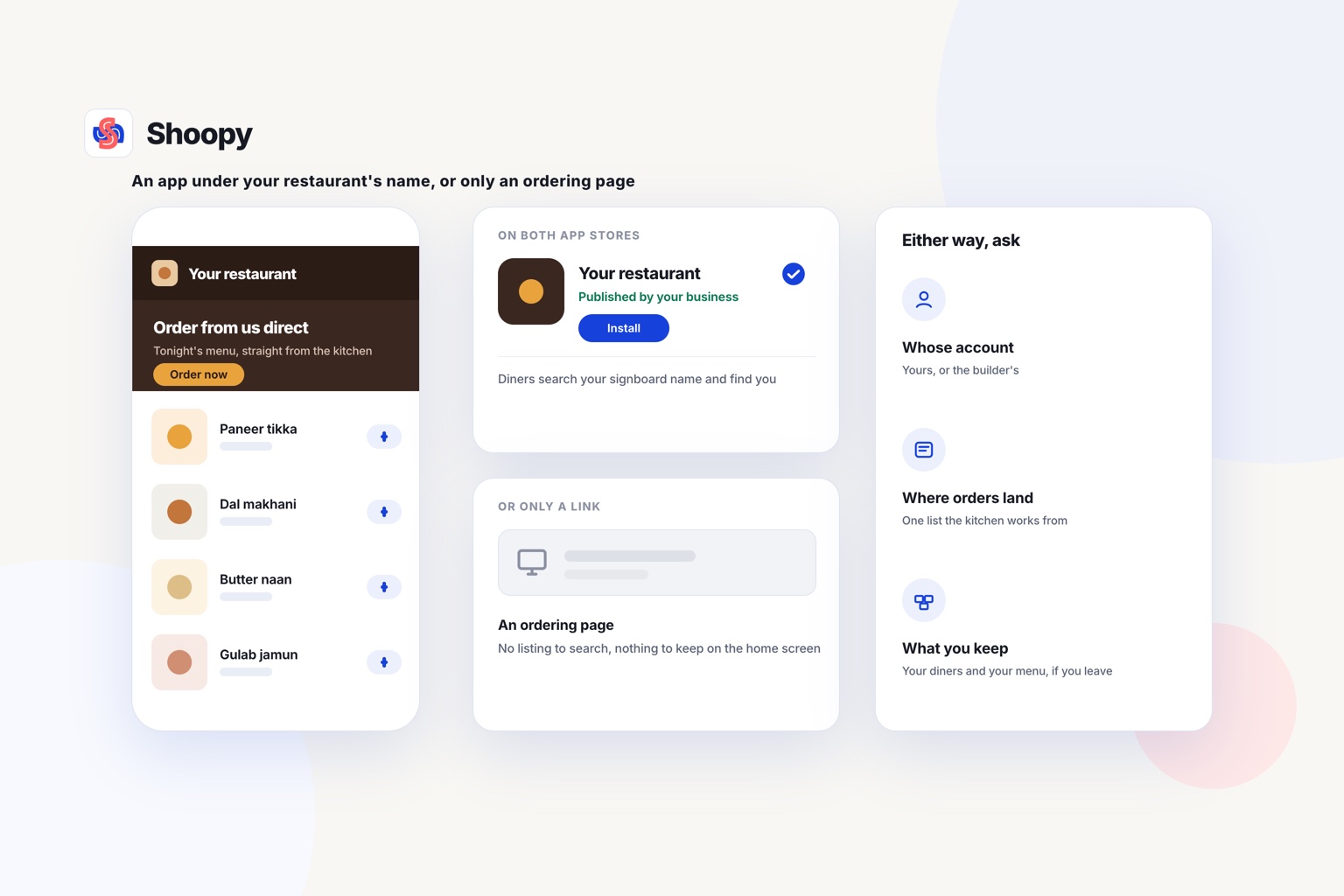
Quick Answer: UrbanPiper Meraki, Restroworks RestroAPP, DotPe and Shoopy are four white-label online ordering app platforms for restaurants in India. The test is whether you get an app under your restaurant’s name on Google Play and the App Store, or only a website. Shoopy passes it: the app is listed in your restaurant’s name, and the listing stays yours.
A white-label restaurant ordering app is an app that a platform builds and runs, but that carries your restaurant’s name, logo and colours. The diner sees your brand on the app listing, not the platform’s. This guide compares four platforms and lists them in no order of rank.
Which platforms build a restaurant ordering app under your own name?
Some platform pages describe an app under your restaurant’s name, and some list only an ordering website. The table shows which, from each vendor’s own page, before you compare charges.
| Platform | What it builds and how it charges (from the vendor’s own page) |
|---|---|
| UrbanPiper Meraki | As of October 2026, UrbanPiper’s Meraki page says Meraki gives a restaurant its own ordering website and mobile app with no aggregator commission, can be used in nearly every country, and is priced by the size of the business and its order volume. |
| Restroworks RestroAPP | As of October 2026, Restroworks’ RestroAPP page describes a white-labelled native iOS and Android app, published under your brand’s name, with zero third-party commissions and orders flowing to the POS. |
| DotPe | As of October 2026, DotPe’s restaurant page lists your own ordering website with zero commission on every direct order, next to a POS with billing, kitchen tickets and inventory. |
| Shoopy | An ordering website and a branded app under your restaurant’s name on Google Play and, on plans with an iOS app, on the App Store, both reading the menu your counter bills from. Plans and current prices are on the pricing page. |
Does each platform build a website or an app?
Read the second column for two words first: “website” and “app”. An ordering website opens in the phone’s browser. A restaurant ordering app is installed from Google Play or the App Store.
A page that lists only a website does not prove the vendor has no app, so ask.
Then read who hosts what. If the platform hosts your domain or your app listing, ask how both move to you if you leave.
Last, check the country. A page written for one market can describe features that work only there. Ask each vendor whether payments and delivery partners work where you trade.
Whose name is on a white-label app, and who owns it?
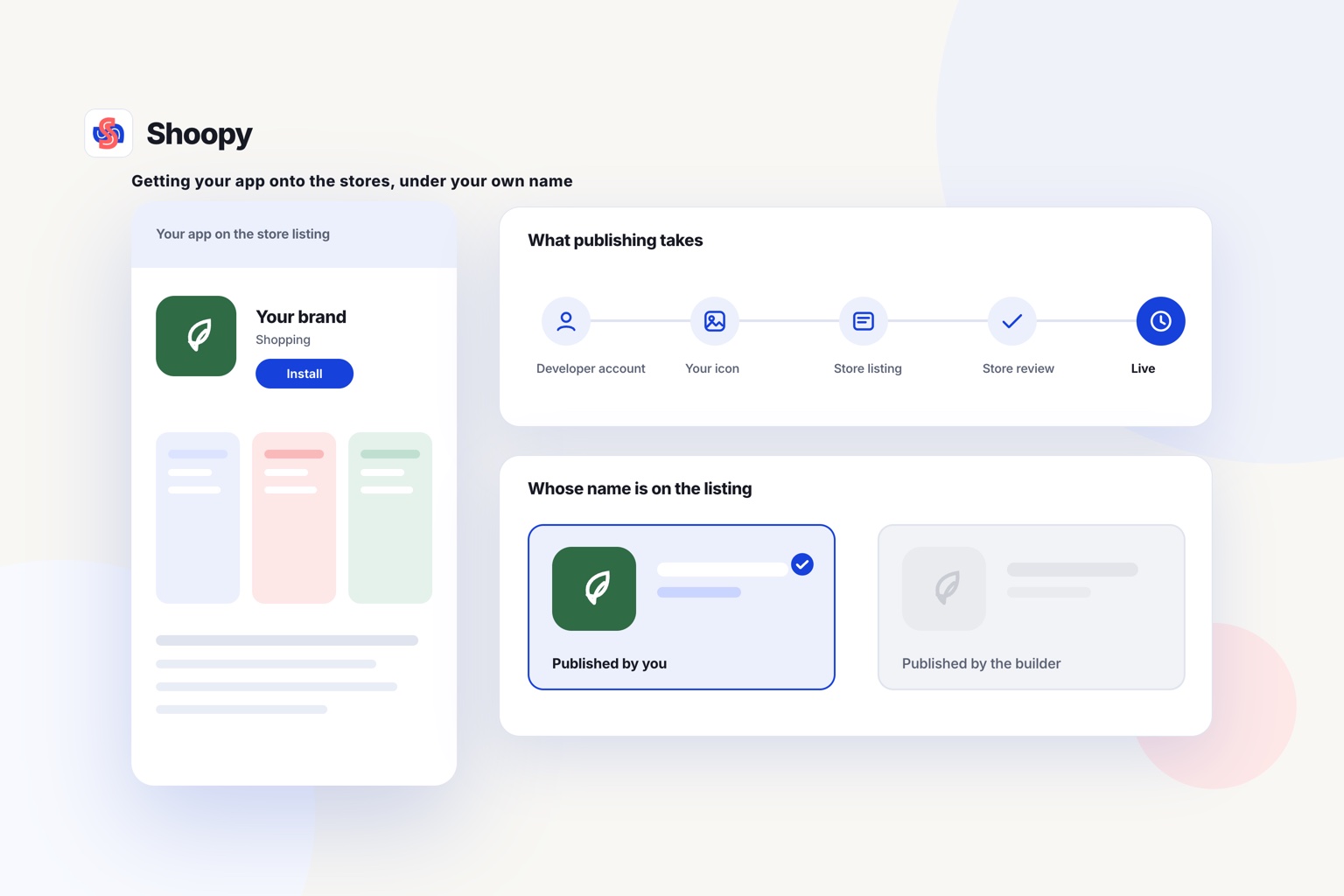
Your restaurant’s name should be on the app listing, and your business should own the developer account behind it. The platform builds the app; you own the listing.
As of October 2026, Apple’s App Review Guidelines use a restaurant finder app as their example of one app that holds many restaurants as separate entries (rule 4.2.6). That kind of app is not your own, because the diner opens the finder’s brand first.
The same rule says apps made from a commercial template are rejected unless the provider of the app’s content submits them. For an app that sells only your food, that provider is your restaurant.
Questions to ask before you sign
- Will a search on Google Play or the App Store for the name on your signboard find the app?
- Whose developer account submits the app to Google Play and the App Store?
- If you leave, can the app move to your own developer account?
- Can you export your diner list and past orders at any time?
On Shoopy, the branded app is listed under your restaurant’s name on Google Play and, on plans with an iOS app, on the App Store, and the listing stays in your name. This checklist on what to settle before launching an app covers the listing, the catalogue and who answers the app.
Should your restaurant start with an ordering website or an app?
Start with an ordering website if most diners are new to you. Add an app when regulars order from you every week.
A website needs no install. A diner taps a link from a search result, a message or a QR code, and orders. That suits a diner who has never ordered from you before.
An app needs one install, and then it stays on the home screen. The regular who orders every Friday opens it in one tap. The app can also show where the order is and remind the diner of your specials.
A platform may give you both from one menu. If it does, check that a price change made once shows on the website and in the app.
What should a restaurant ordering app do for diners and the kitchen?
It should show one live menu, track each order, reach diners on their phones and send each order to the right outlet.
What should the app do for the diner?
- A live menu. When the kitchen marks a dish sold out, the app should stop selling it at once.
- Order tracking. The diner should see the order move from the kitchen to the door.
- Messages on the phone. A push notification is a short message that the app shows on the diner’s lock screen. Use it for order updates and for a weekly special.
- A quick reorder. A regular should find last week’s order without searching the menu again.
What should it do for the kitchen and the counter?
- One order list. App orders should land in the same list as counter and website orders.
- A kitchen ticket. A KOT (kitchen order ticket) is the printed slip that tells the cooks what to make. Every app order should print one.
- The right outlet. If you run several outlets, the app should send each order to the outlet that serves the diner’s address.
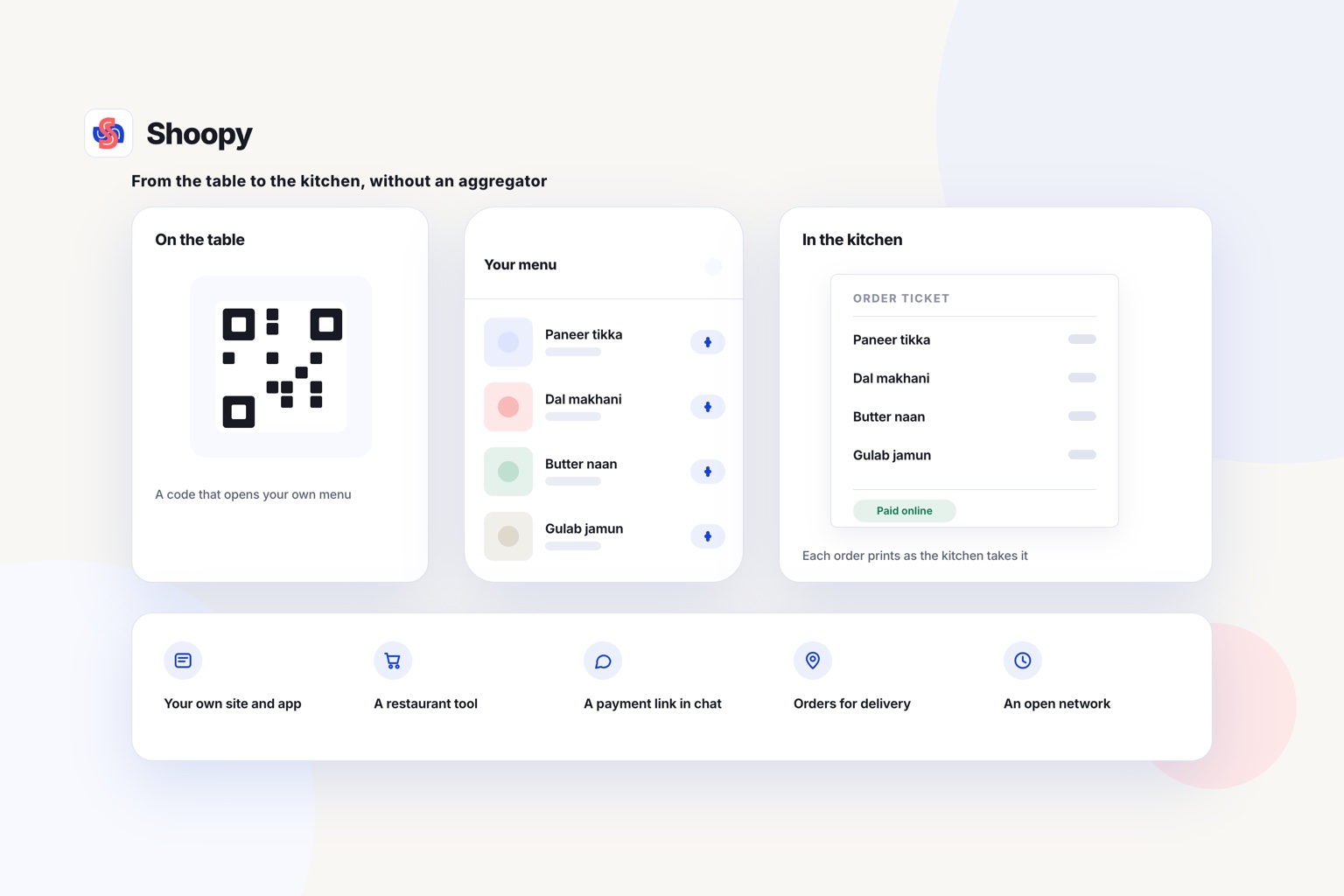
Your branded app shows diners live order tracking inside the app. It can send push notifications, depending on your plan. App orders join counter and website orders in one order list, and the food ordering page shows how each order prints a ticket in the kitchen and how each delivery zone carries its own charge.
How do white-label ordering app platforms charge?
Read two things on each vendor’s page: whether it takes a commission on your direct orders, and what sets the price you pay. The table shows both where the page states them.
A fixed subscription is charged each month or year, which suits a restaurant with steady orders. Ask whether it caps your orders, and what an order past the cap adds to the bill.
A price set by size and order volume can rise as you add outlets and orders. Ask for the price at today’s volume and at double that volume.
Three other costs are not part of the platform’s price:
- Developer accounts. Publishing on Google Play and the App Store needs a developer account on each. Open both in your business’s name.
- Online payments. Ask the company that will process your online payments what it charges for each payment. Read its fee page before you compare two platforms.
- Delivery. Your own riders, or a delivery partner, also cost money.
What goes wrong when a restaurant launches its own app, and how do you avoid these mistakes?
Four things go wrong: diners cannot find the app, it adds nothing, it takes late orders, and every outlet launches together.
Diners cannot find the app. The listing name differs from the name on your signboard, so a search may not find it. Use the signboard name, and put the city in the listing’s description.
The app adds nothing. If a restaurant ordering app only repeats the website, diners have little reason to keep it. Give regulars a reason to install: order tracking, a quick reorder and an offer only in the app.
Orders arrive after the kitchen closes. The app shows the full menu at midnight because its hours were never set. Set ordering hours to match kitchen hours, then place a test order just after closing time.
Every outlet launches at once. A wrong price or a missing dish then reaches every outlet. Launch at one outlet first, fix what the first orders show, and then add the others.
Which platform suits which kind of restaurant?
The right one depends on how diners order from you today: at the table, as first-time diners, or as regulars who want delivery. Each point below starts from the kind of restaurant.
- Most orders are eaten at the table. Look for a platform built around a restaurant POS (point of sale, the billing system at the counter) and table service. The table shows which pages describe a POS.
- You trade in more than one country. Read each vendor’s country coverage before anything else. The table shows which page states it.
- Most diners are new to you. Start with an ordering website, and add the app once regulars order every week.
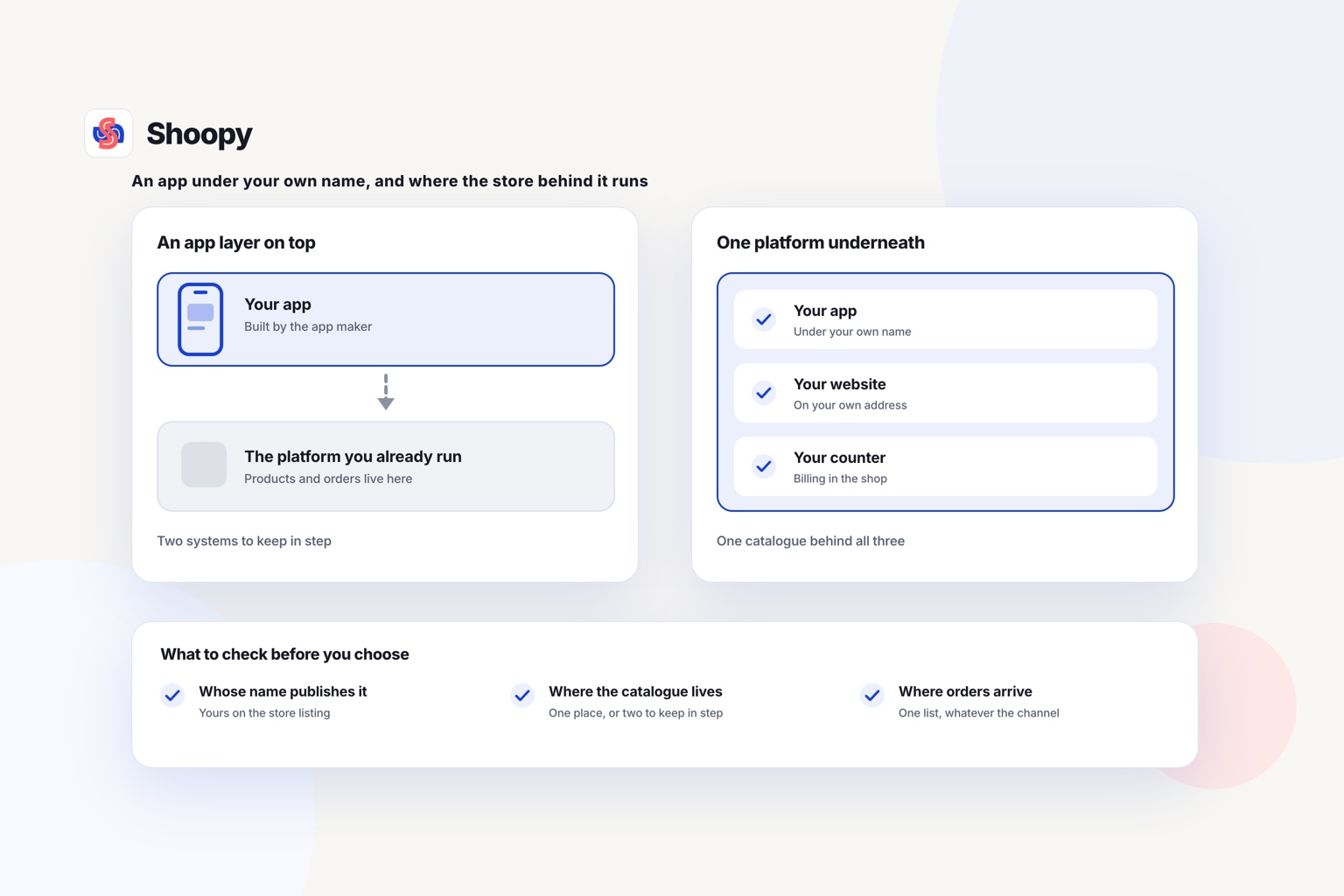
- You bill at a counter and deliver with your own riders. Look for one menu that the counter, the website and the app all read, with delivery zones and a rider app.
One boundary is worth stating plainly. On Shoopy, a menu is set up with the same product listing an online store uses. If your menu depends on many add-ons and plate sizes, test your real menu in a demo before you choose.
If your counter, your delivery and your app need one menu, see how a branded app is built from your own catalogue, and book a demo from that page.
Frequently asked questions
Does a restaurant app need a privacy policy?
Yes. As of October 2026, Apple’s App Review Guidelines say in rule 5.1.1 that every app must link to its privacy policy in its App Store details and inside the app. The policy says what data the app collects, such as names, phone numbers and addresses, and how you use it.
Does a restaurant need both an Android app and an iPhone app?
Yes, if your diners use both kinds of phone. Android phones install apps from Google Play, and iPhones install apps from the App Store, so each app store needs its own listing and developer account. Ask the platform whether it builds both apps from one menu, so a sold-out dish disappears from both at once.
Who should own the developer account for a restaurant app?
Your business should own it, in its legal name. Whoever holds the account controls the listing, its updates and its replies to reviews. If an agency or a platform holds it, ask in writing how the app would move to your own Google Play and App Store accounts if you leave.
Can one ordering app serve several outlets of a restaurant?
Yes, if the platform supports more than one outlet in one app. The diner enters an address or a postal code, or shares a GPS location, and the app shows the menu and prices of the outlet that delivers there. Check that each outlet can mark its own dishes sold out without changing the others.
What happens to my restaurant app if I change platforms?
The listing stays yours if it sits in your own developer account. If the old platform holds it, ask it to transfer the app to your account before you leave. Google Play and the App Store both allow this, and Apple says users keep receiving updates after a transfer.